Every language. Linked to its source.
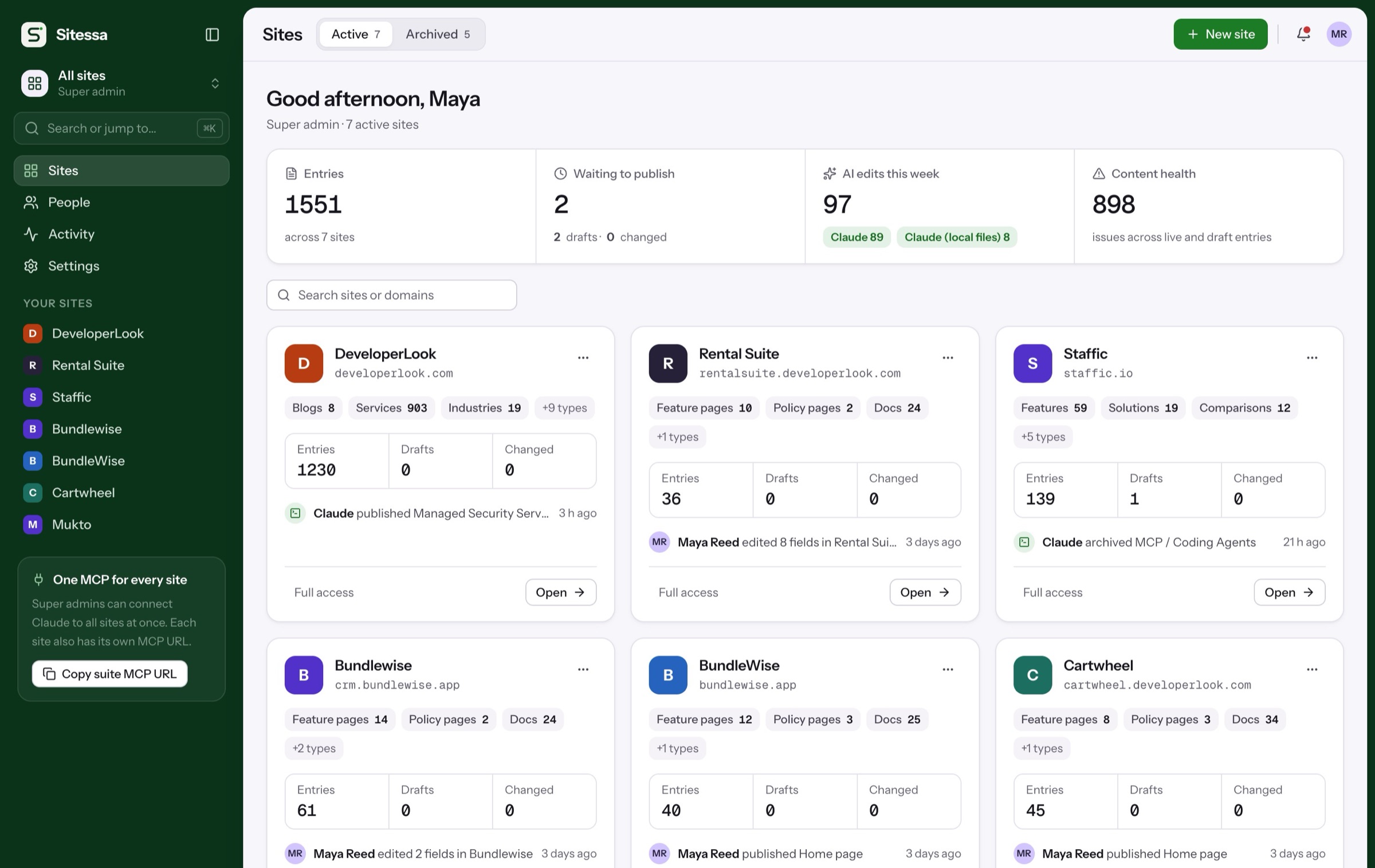
Switch on Languages and each page gets a version per language, with its own slug, draft and publish. Sitessa knows when a translation falls behind its source.
Walkthrough
From one language to five.
Translations on a real site with five languages. Pick a step, or let it play.
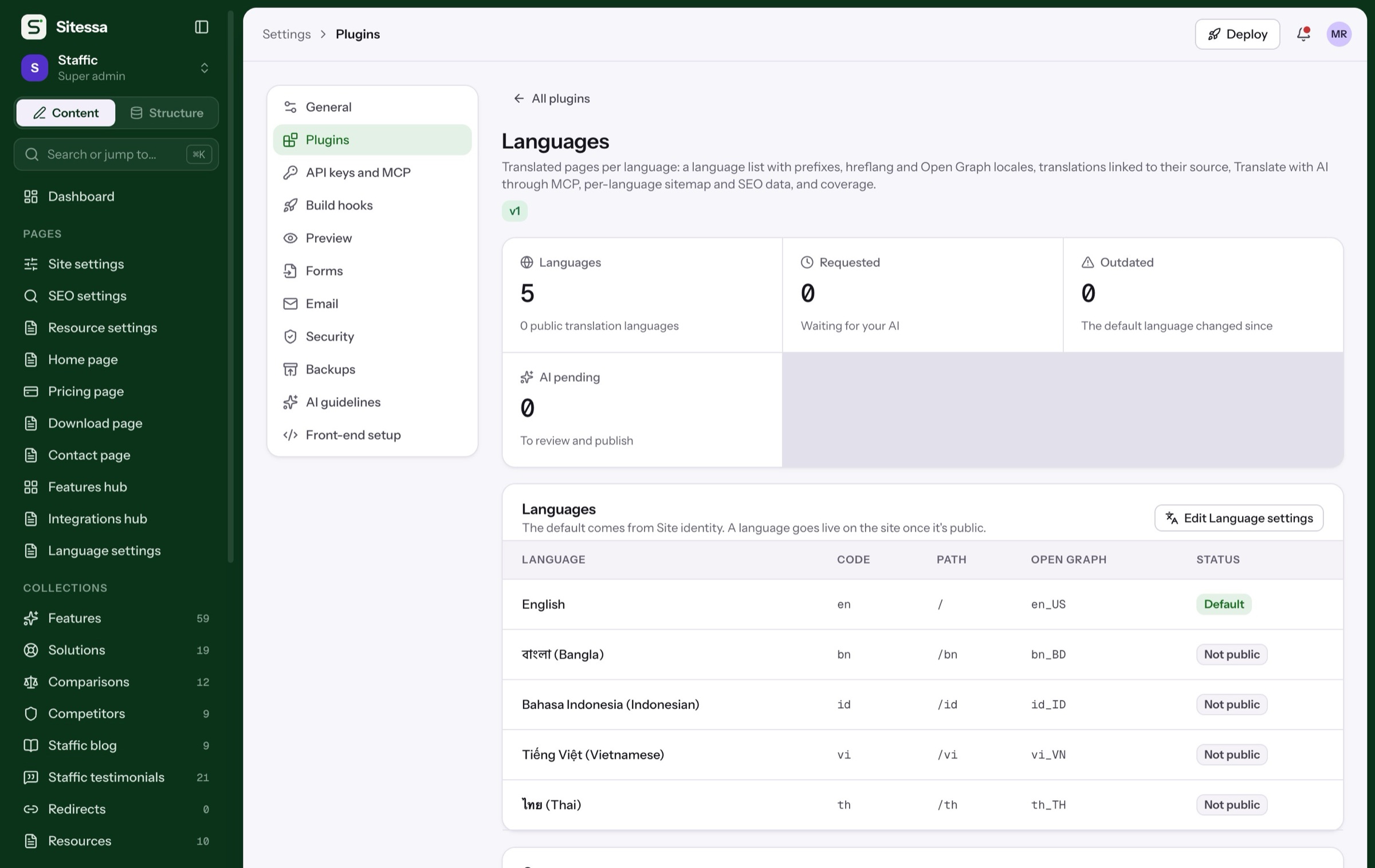
Pick a language and set its path, hreflang and Open Graph locale. Coverage shows what's live in each.
- Path prefixes like /id
- hreflang and Open Graph locales
- Public or hidden per language
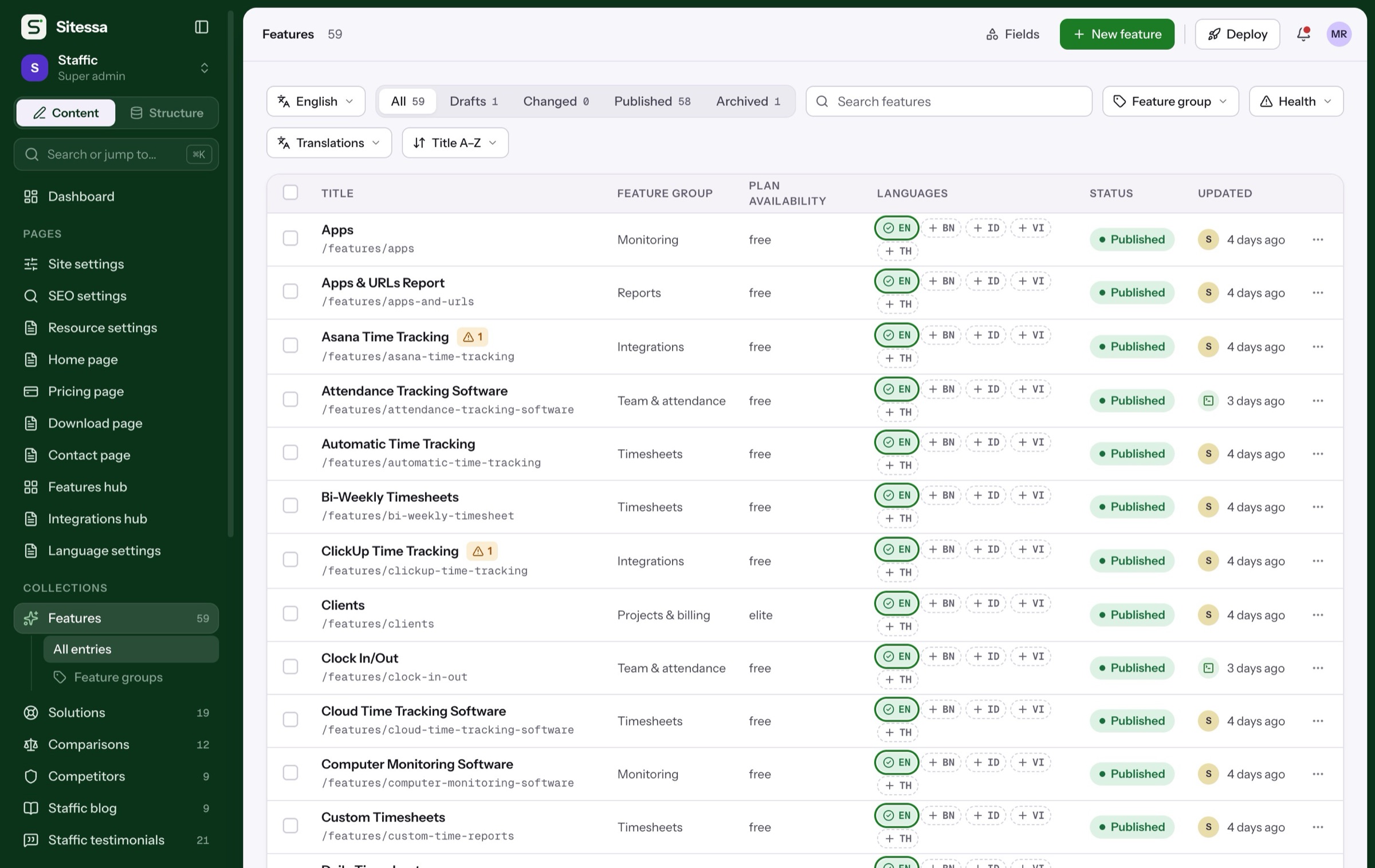
Each entry shows a pill per language: missing, requested, AI pending, outdated, draft or live.
- Filter by language
- Filter by translation state
- Bulk Translate with AI
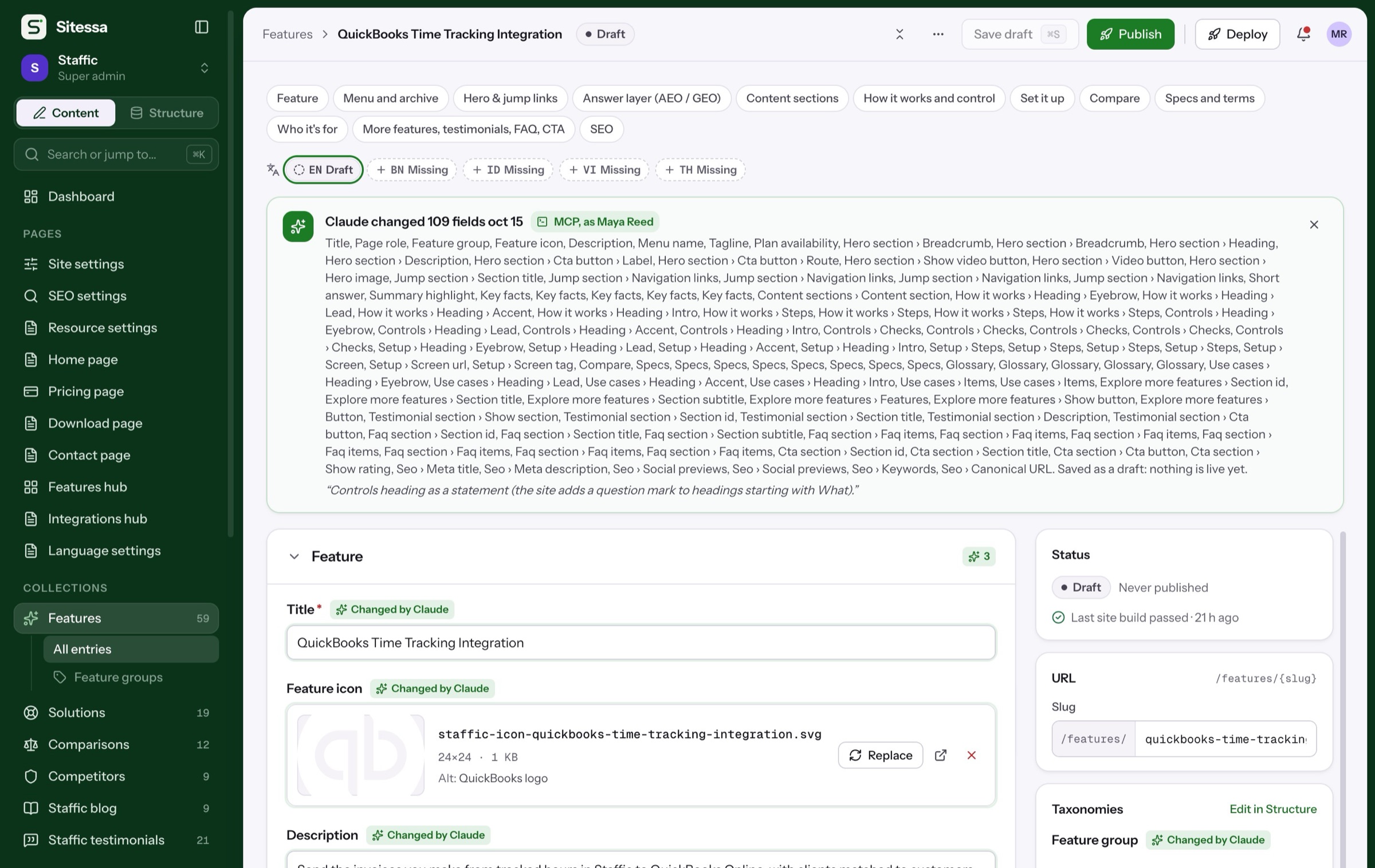
Queue translations for your AI app. It writes them over MCP and you review before they go live.
- Up to 20 languages at once
- Per-language house rules
- Numbers and links checked
Each version gets hreflang links, its Open Graph locale and a place in the sitemap data.
Details
Translations that stay right.
- 01Entries
One entry per language
Each translation has its own slug, draft, versions and publish, linked to its source.
- 02Sync
Outdated, flagged
When the source changes, its translations are marked outdated, with a view of what changed.
- 03Quality
Fact check
Numbers, prices, links and emails in the source must appear in the translation before it can go live.
- 04Model
Shared fields stay shared
Dates, numbers, media and relations come from the source, so they never drift.
- 05AI
Per-language rules
Each language can have its own AI guideline: a glossary, a tone, words to keep in English.
- 06Delivery
Language-aware API
Ask for a locale, or fall back to the default language when a translation is missing.
Does Sitessa translate for me?
Your AI app does, over MCP. Sitessa queues the requests, checks facts, and you review before anything goes live.
Can I translate by hand?
Yes. Copy from the default language into a draft and translate it in the editor.
Which languages are supported?
Any valid language code. 21 common ones are ready to pick with their names and Open Graph locales.
Can each language have its own domain?
Languages use path prefixes, like /id or /fr. The default language has none.