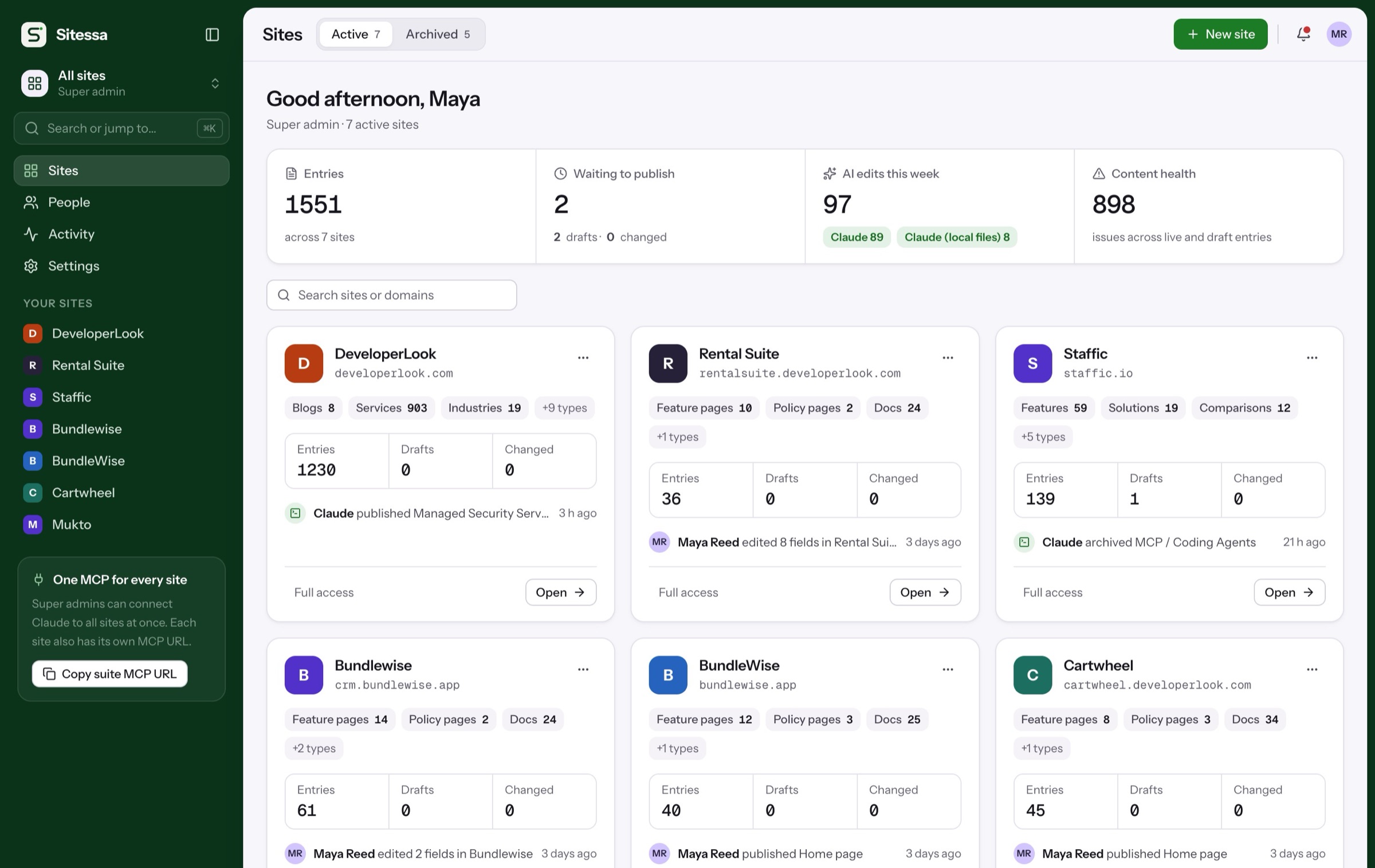
Your app’s site, docs and listing.
Keep the marketing site, the help docs and your App Store listing copy in one place. Start from a template built for Shopify apps.
Sound familiar
Four app-maker headaches.
Pick one to jump to the step that fixes it.
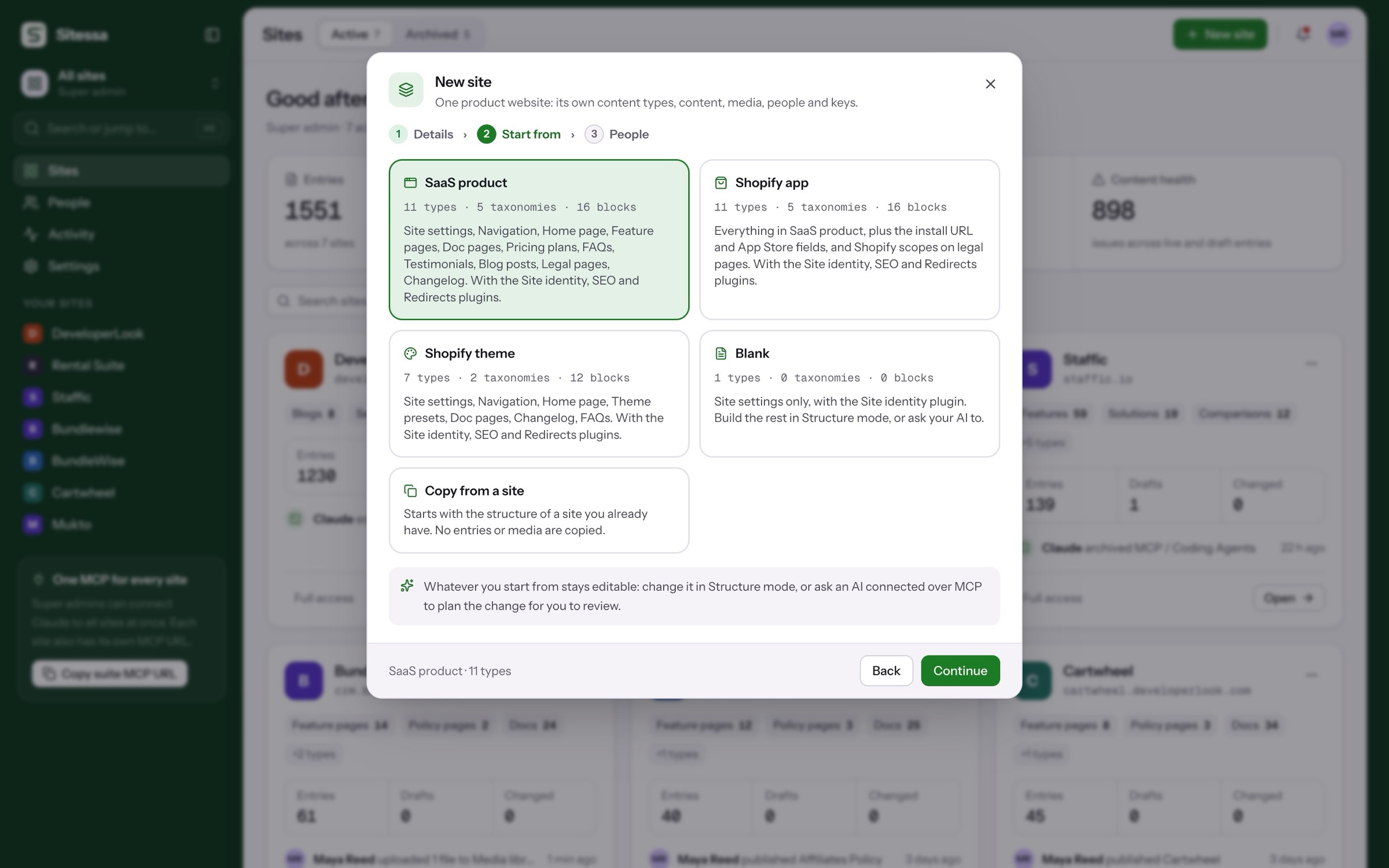
Every new app starts from scratch
A new site means a new model and a long checklist.See step 102Site, docs and listing drift apart
The same feature is described three ways.See step 203Writing for merchants takes time
Docs and release notes pile up behind the code.See step 304Stores are not all in English
Translations fall out of date with the source.See step 5How it works
Six steps, on the real app.
From the Shopify app template to a site that fetches it. The ring marks what to click.
Start from the Shopify app template.
Everything in the SaaS template, plus the install URL, the App Store rating and reviews, and Shopify scopes on legal pages.
Fixes 01: starting over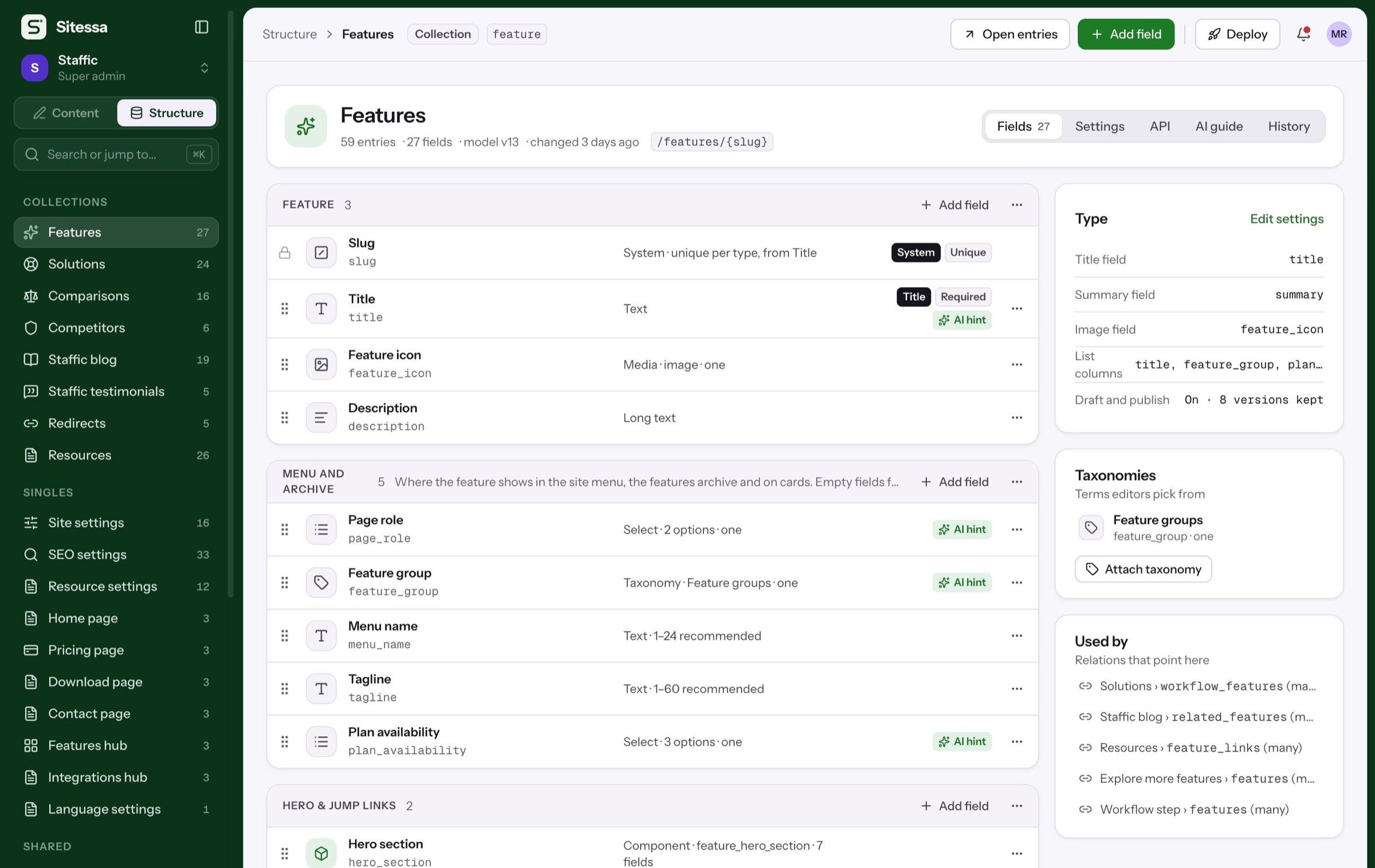
Where to start
Start from the Shopify app template.
Or a blank site, or the structure of the app site you already have.
Everything in SaaS product, plus the App Store details a Shopify app site needs.
Members and roles
Docs writers write. You publish.
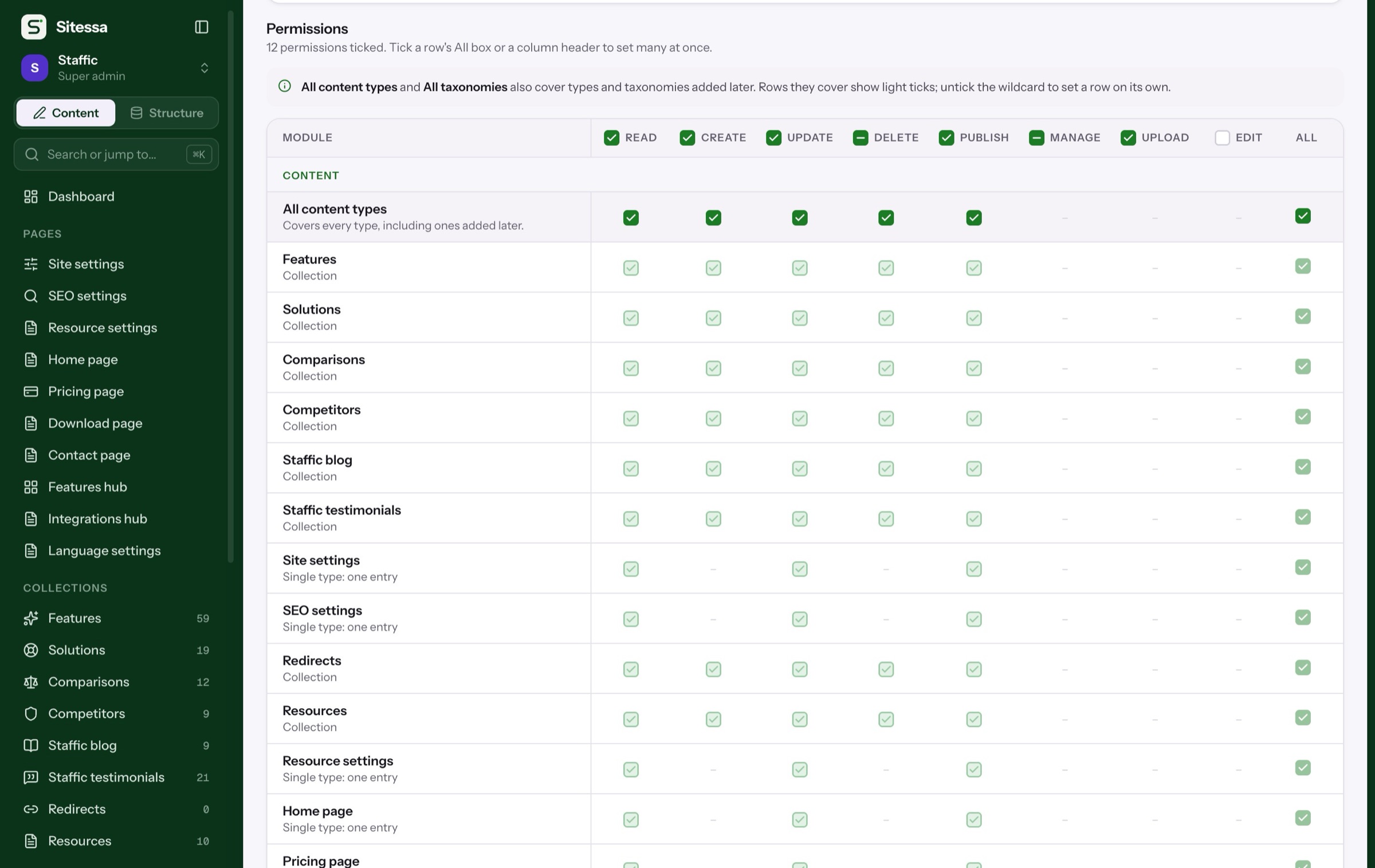
Start with Admin, Editor and Viewer, or make your own.
Simplified. The real matrix sets read, create, update, delete and publish for every content type, plus taxonomies, media, structure, settings and members.
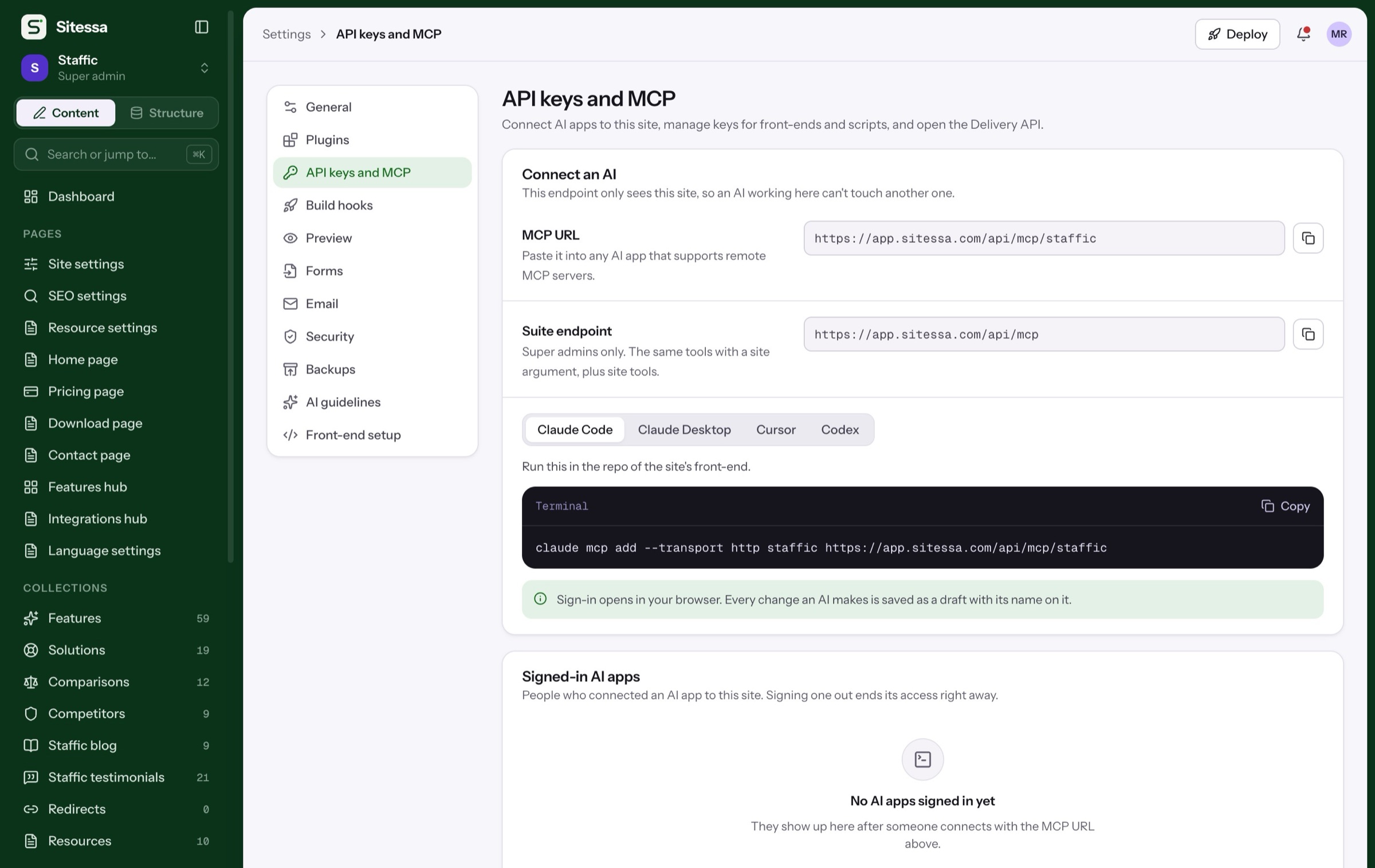
AI house rules
Written for merchants.
Every site has its own house rules and banned words. They are the first thing an AI app reads.
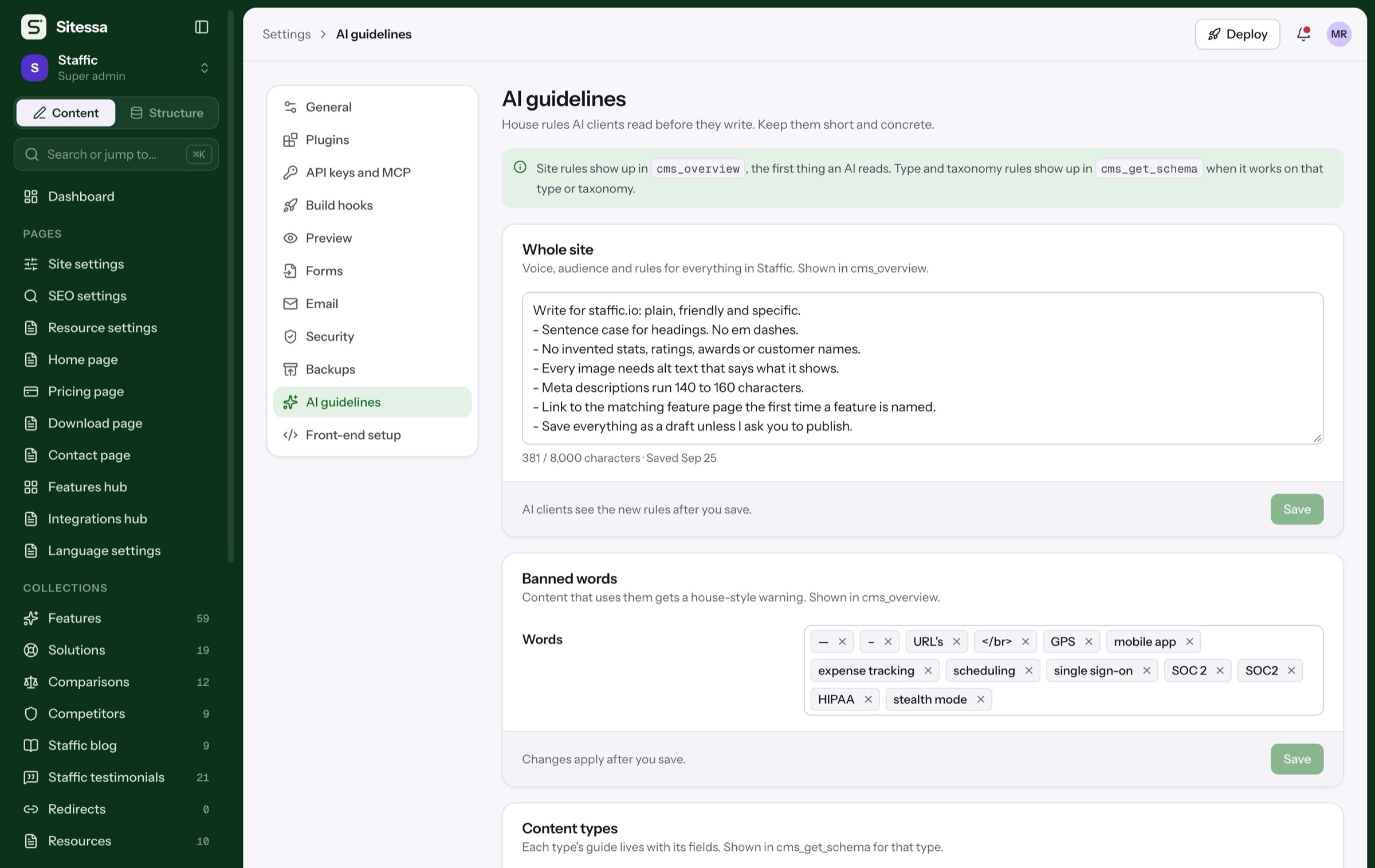
Example rules. Each site writes its own in Settings › AI guidelines.
In use
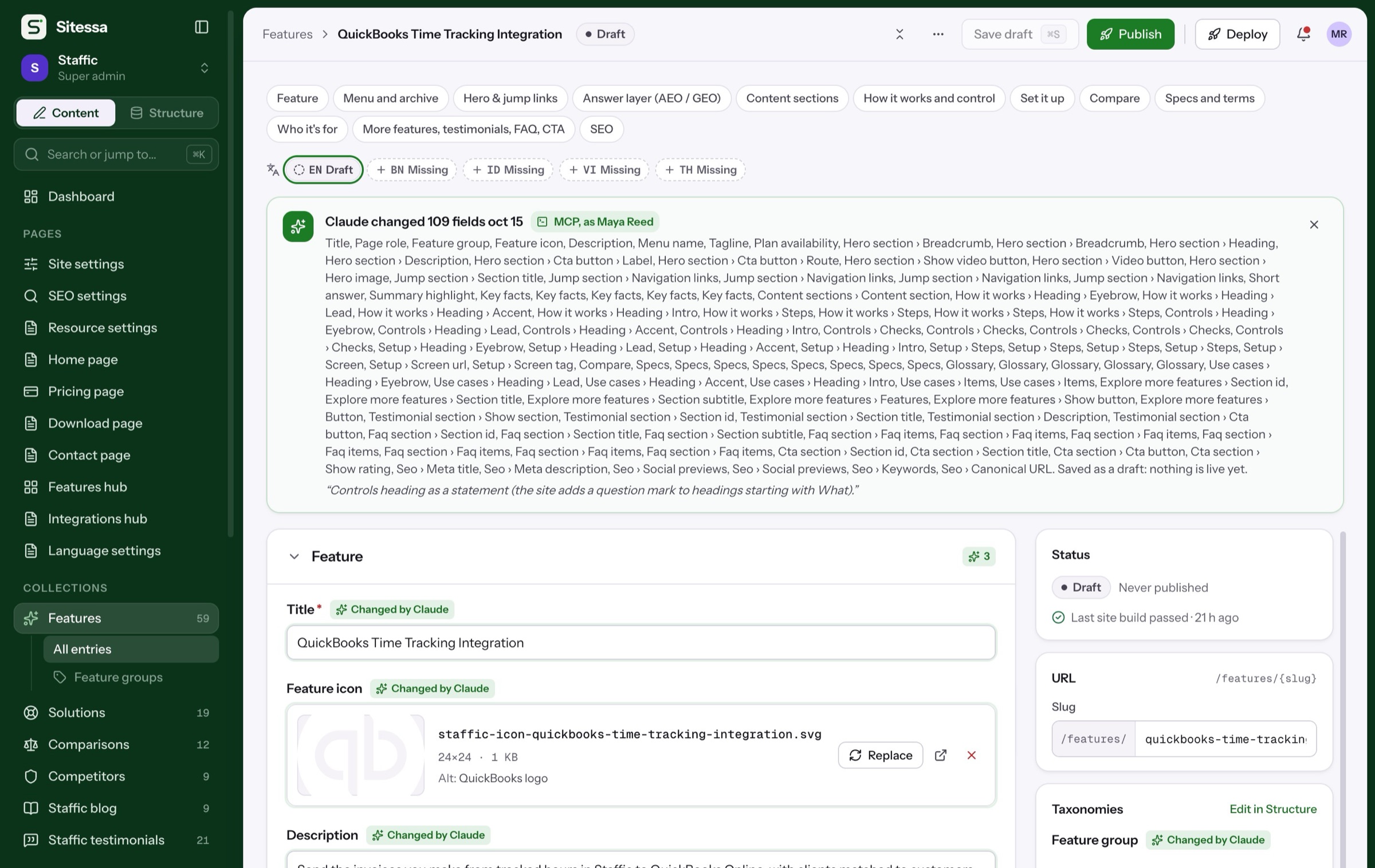
Our Shopify app sites run on it.
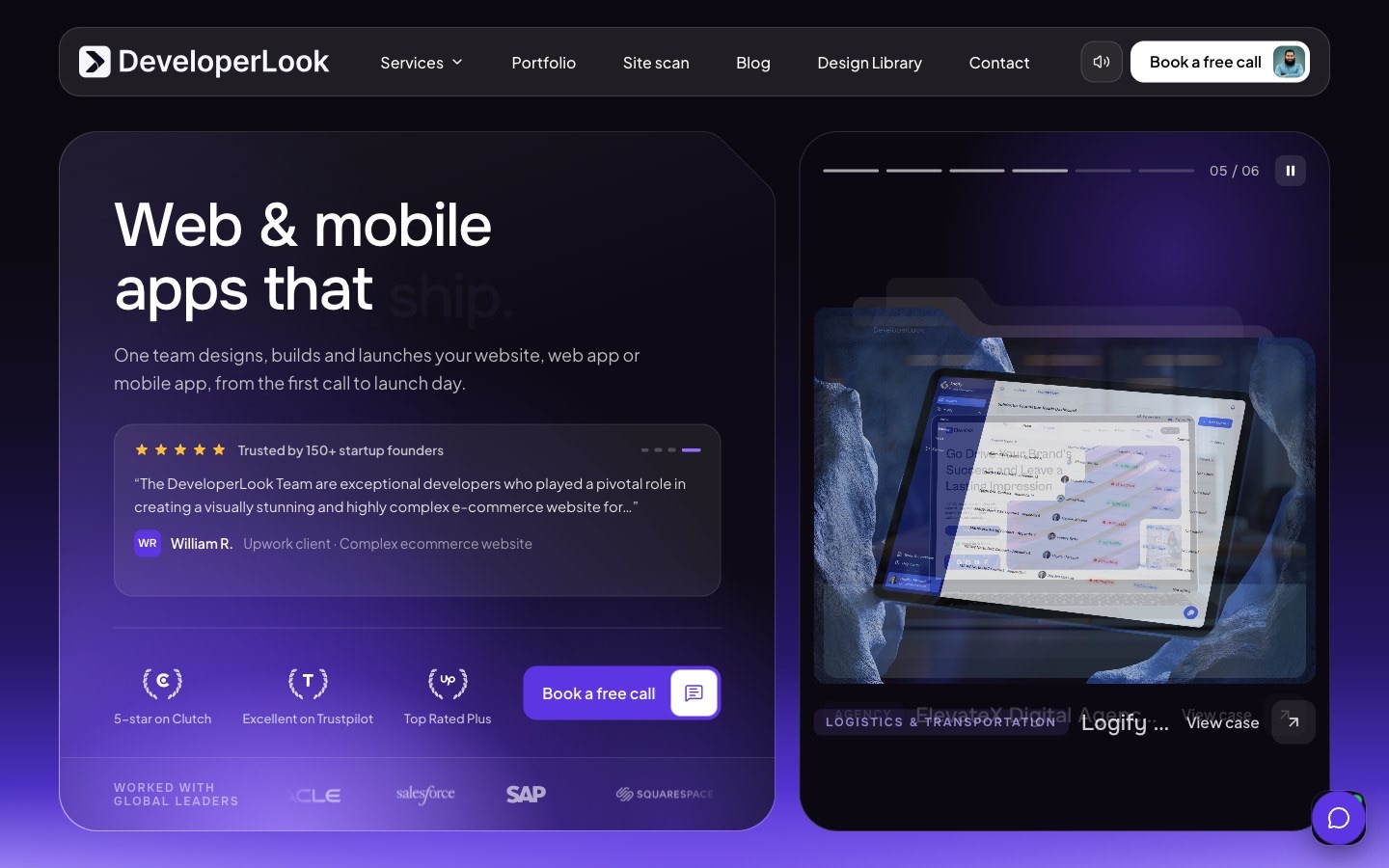
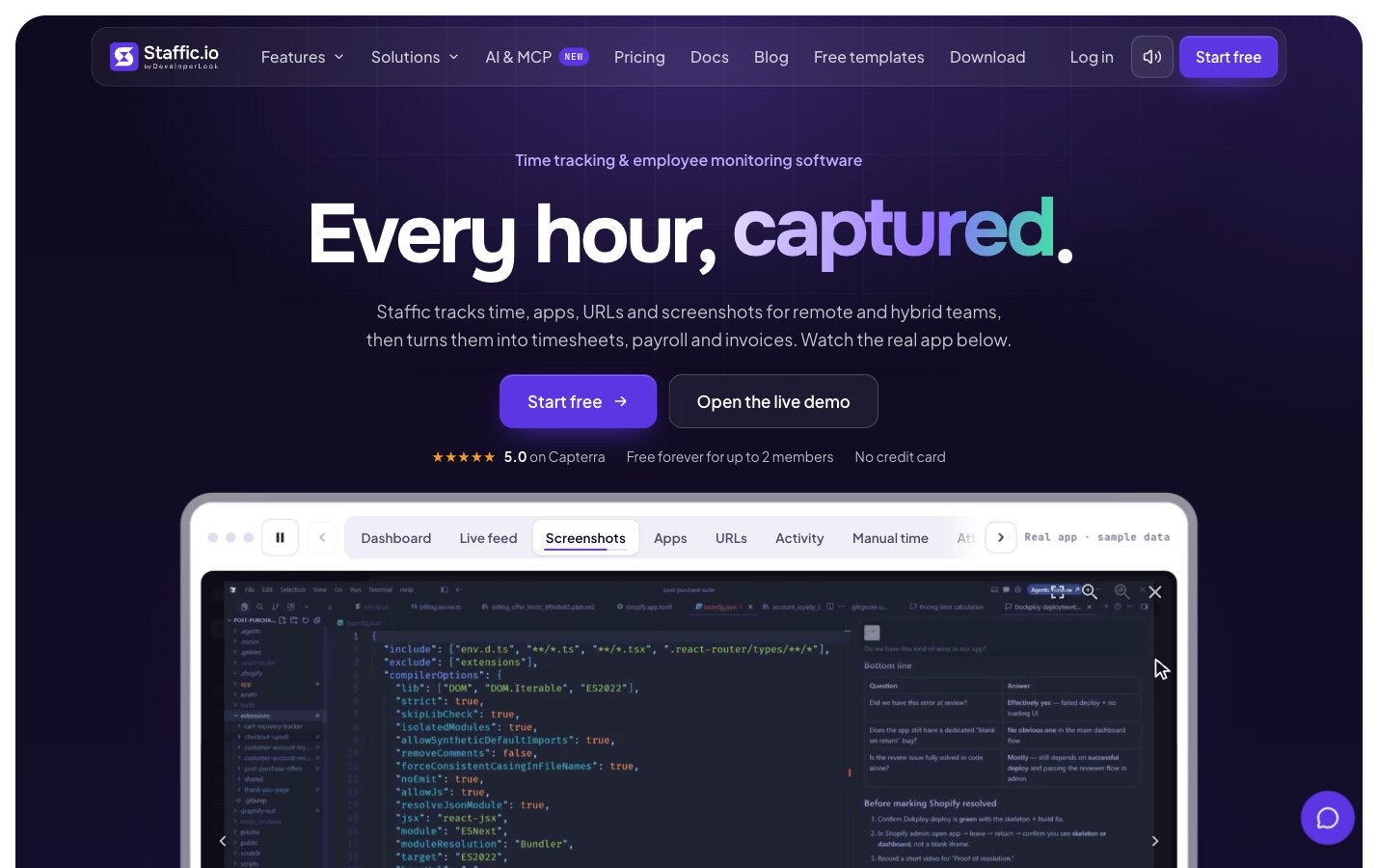
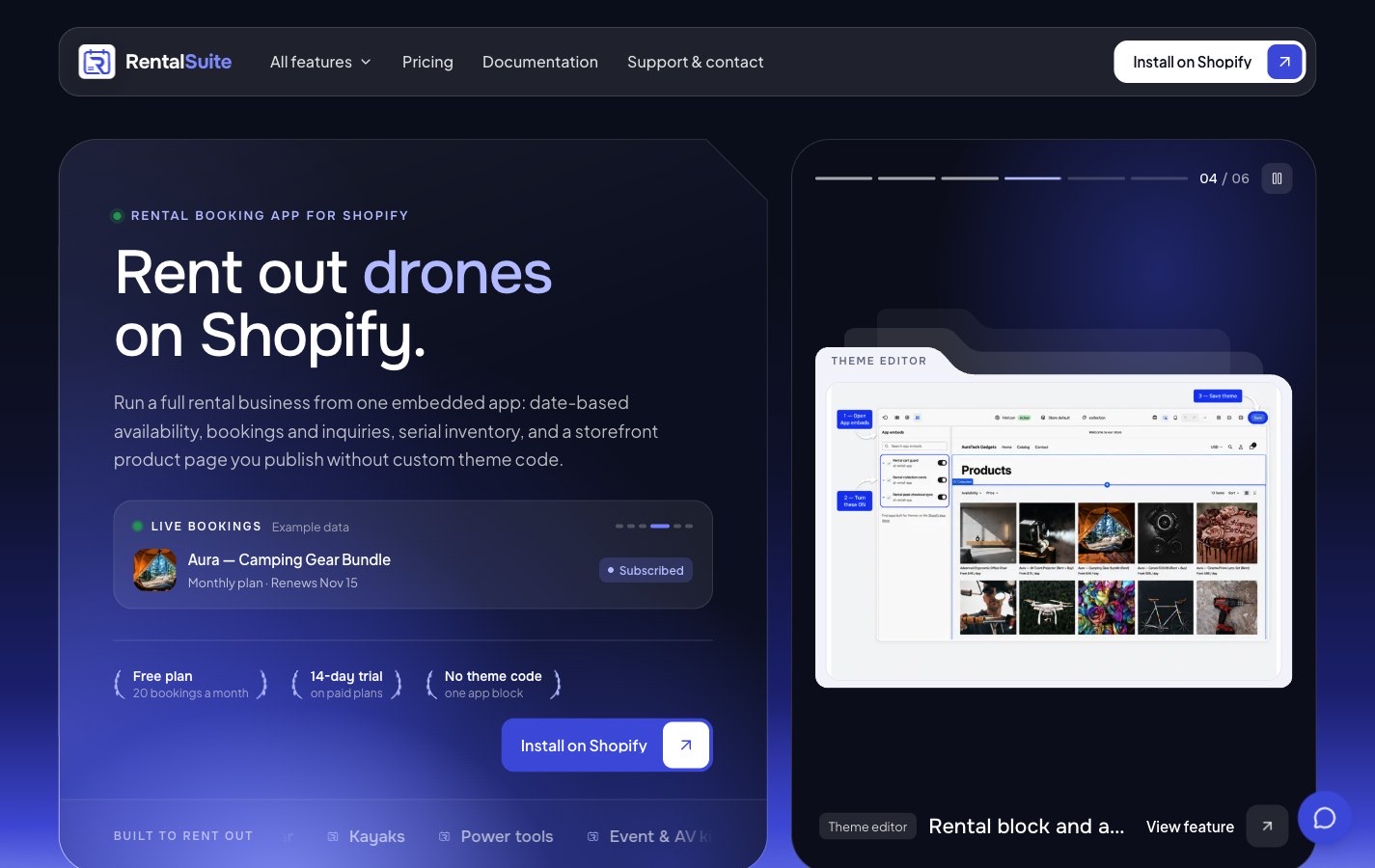
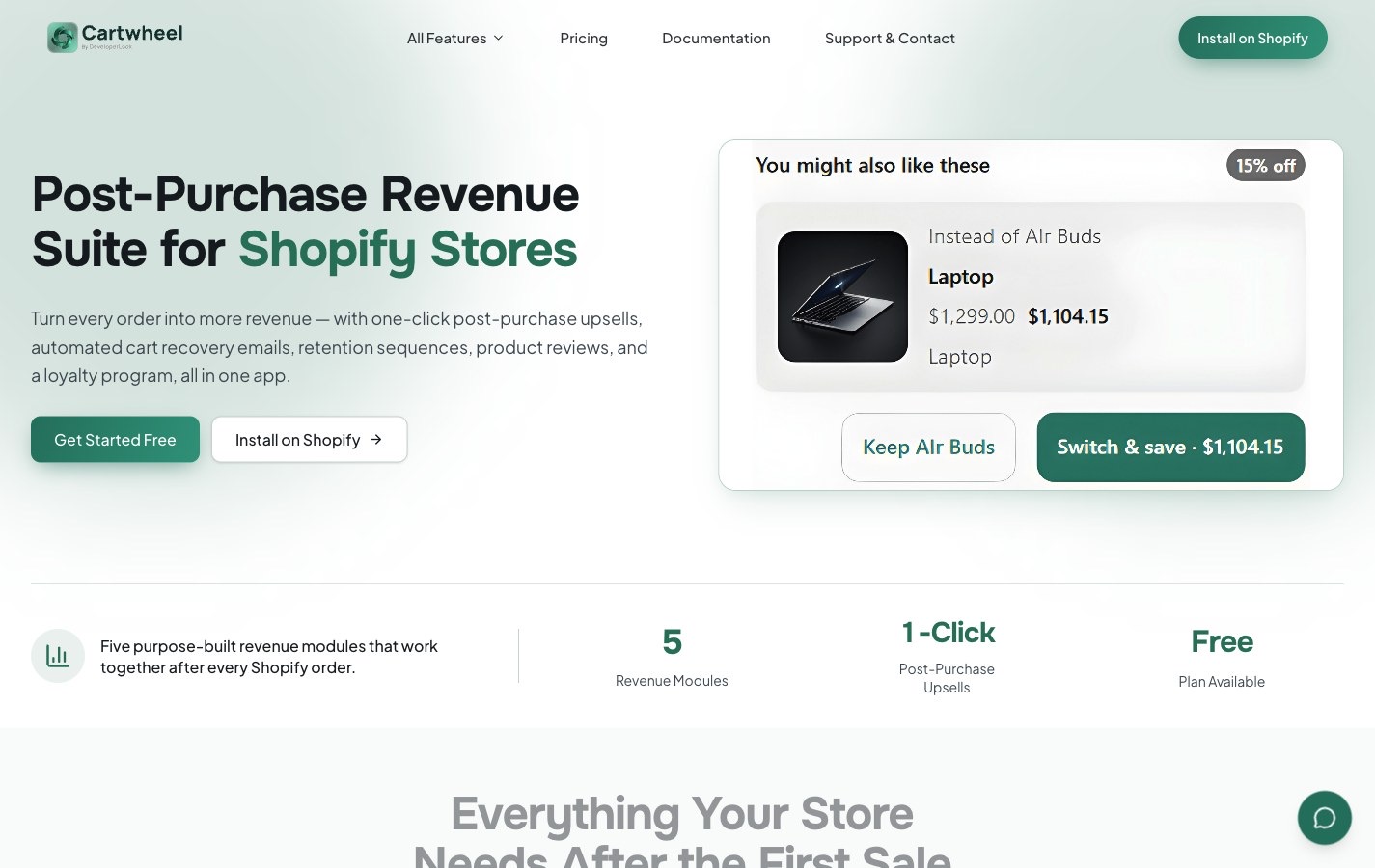
DeveloperLook’s RentalSuite, Cartwheel and BundleWise sites and their docs live in one Sitessa suite. Real numbers.
Plans
Tell us about your apps.
Business use is on the Business plan. Tell us how many people write for your apps.
- Every feature on every site
- Languages for every store
- Roles per content type
What does the Shopify app template add?
The install URL, the App Store rating and reviews, and Shopify scopes on legal pages, on top of the SaaS template.
Does it push copy to the App Store?
No. Your listing text lives as fields next to the rest of your content, and you copy it over.
Can I run several apps from one login?
Yes. Each app gets its own site with its own model, media and people, and you switch between them from one sidebar.
Can AI write the help docs?
It can draft them over MCP. Drafts wait for a person to review and publish.
Which front-end does it need?
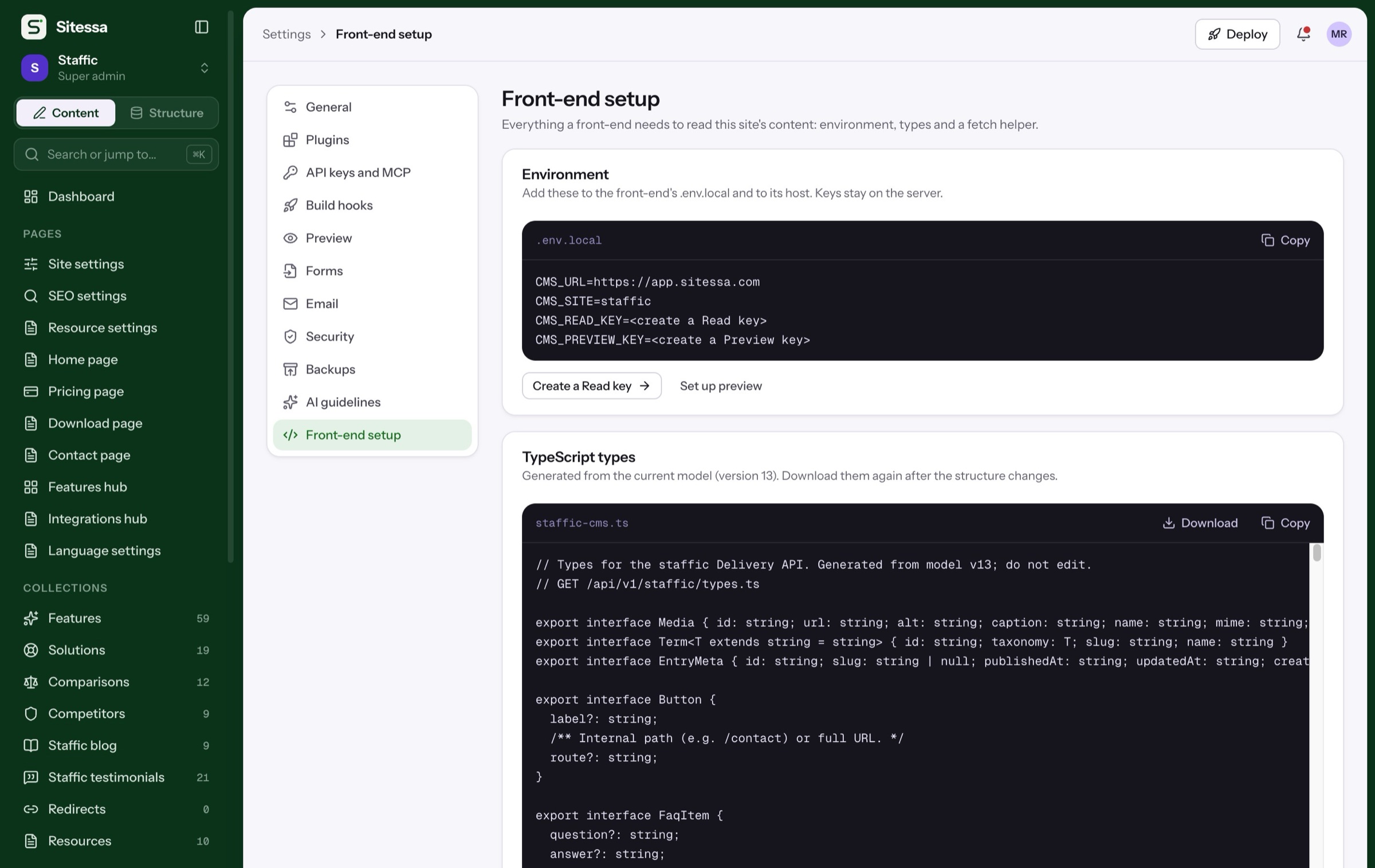
Any front-end that can fetch JSON. There is a typed fetch helper for Next.js.