Your theme’s site, docs and changelog.
Run the marketing site, the demo, the docs and the release notes for your theme from one place. Start from a template built for Shopify themes.
Sound familiar
Four theme-maker headaches.
Pick one to jump to the step that fixes it.
Every theme needs its own site
Another site, another set of pages to build.See step 102Presets are copied by hand
Names, colors and demo links drift between pages.See step 203Docs and changelog fall behind
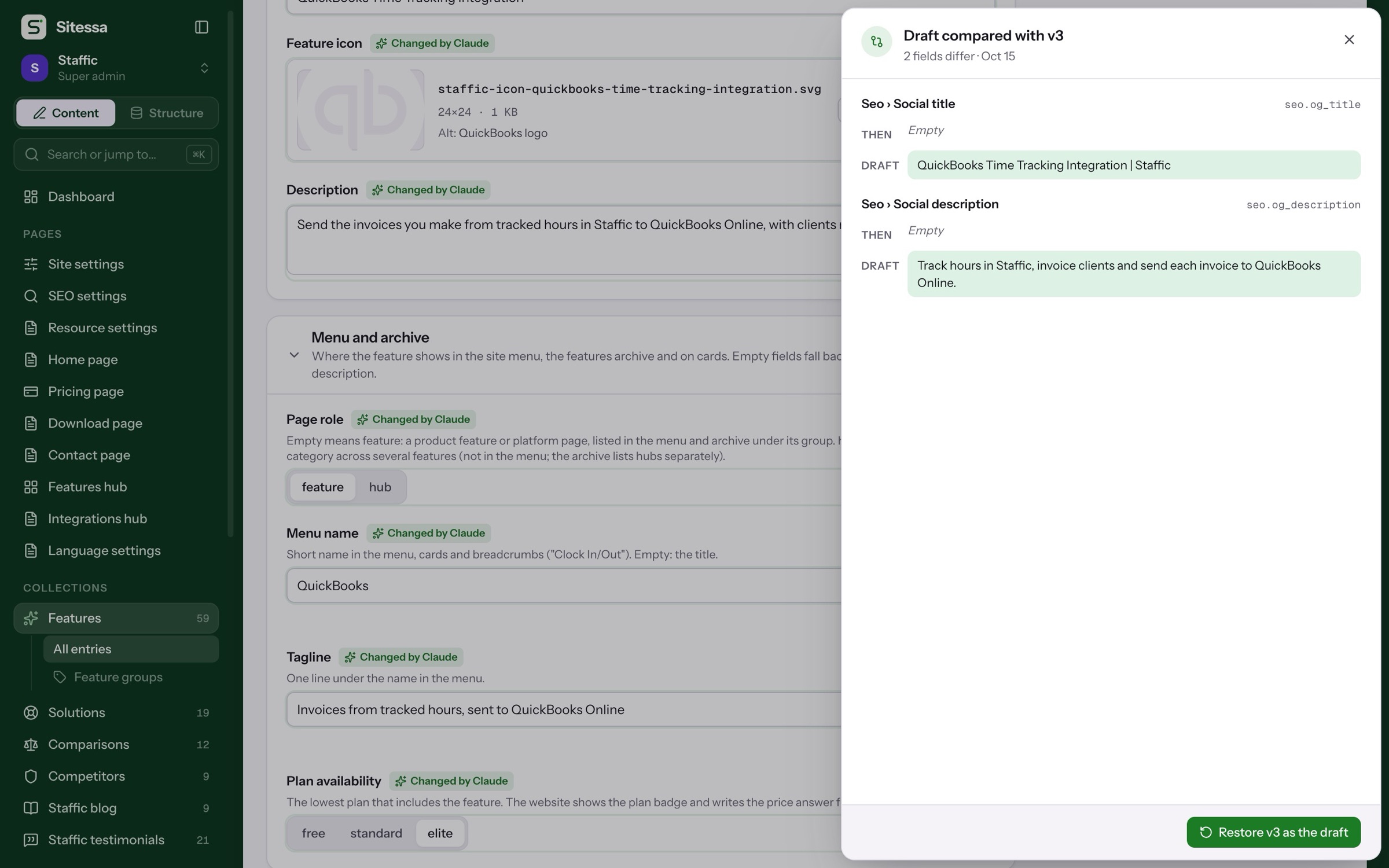
Customers ask what changed in the last update.See step 304Edits are hard to undo
Nobody remembers what the page said last week.See step 4How it works
Five steps, on the real app.
From the Shopify theme template to a site that fetches it. The ring marks what to click.
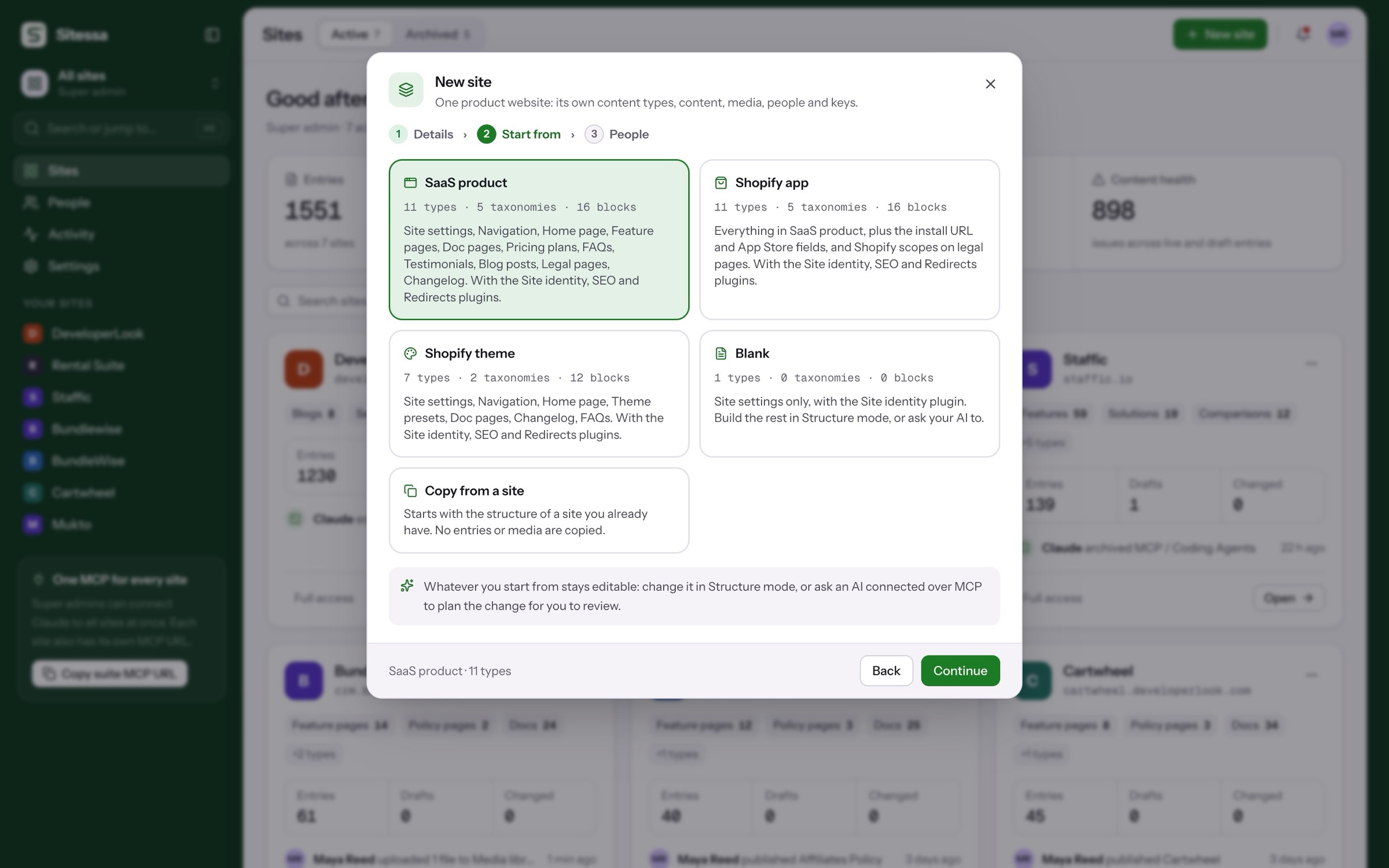
Start from the Shopify theme template.
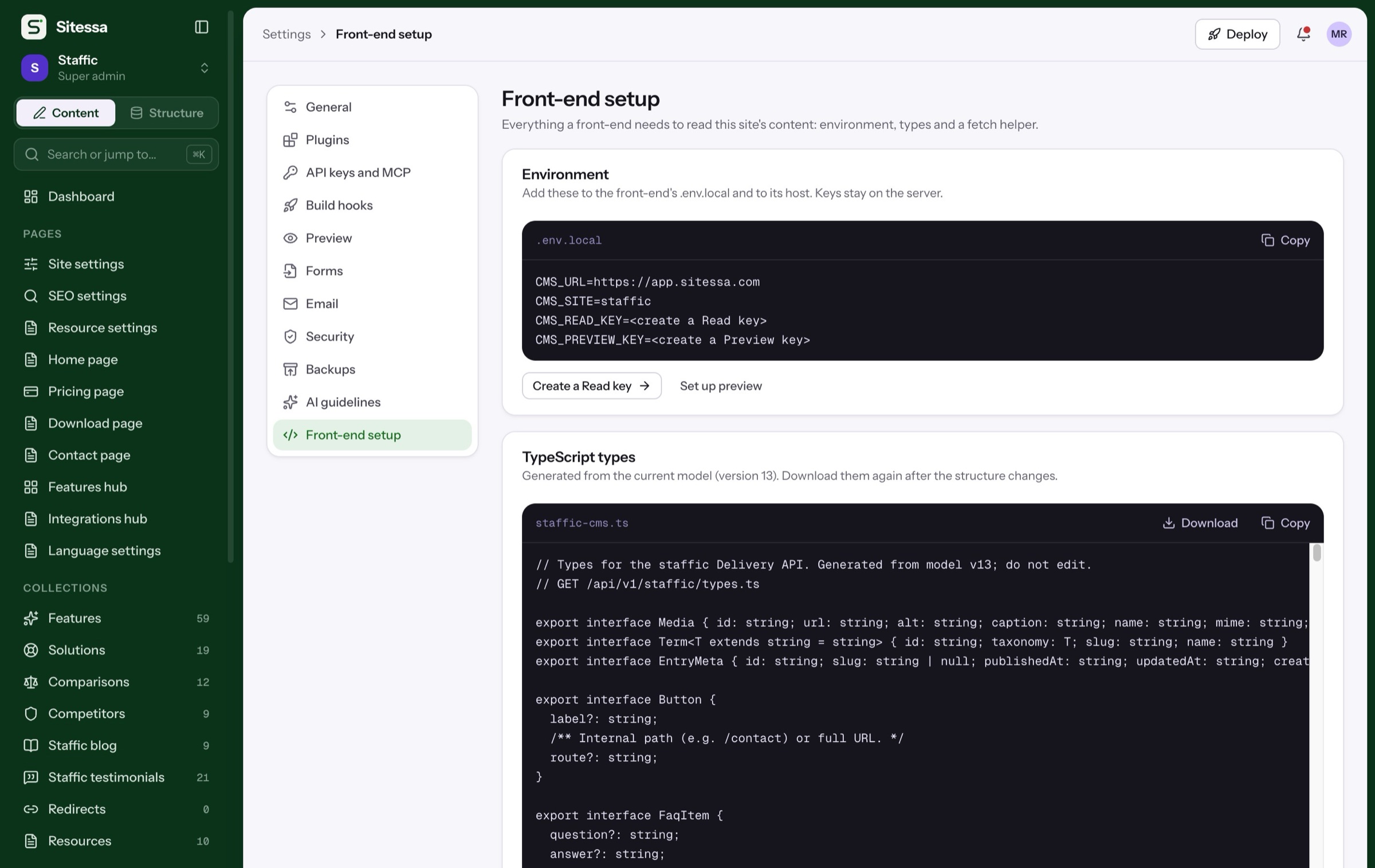
Seven content types ready to fill: site settings, navigation, home page, theme presets, doc pages, a changelog and FAQs.
Fixes 01: a site per theme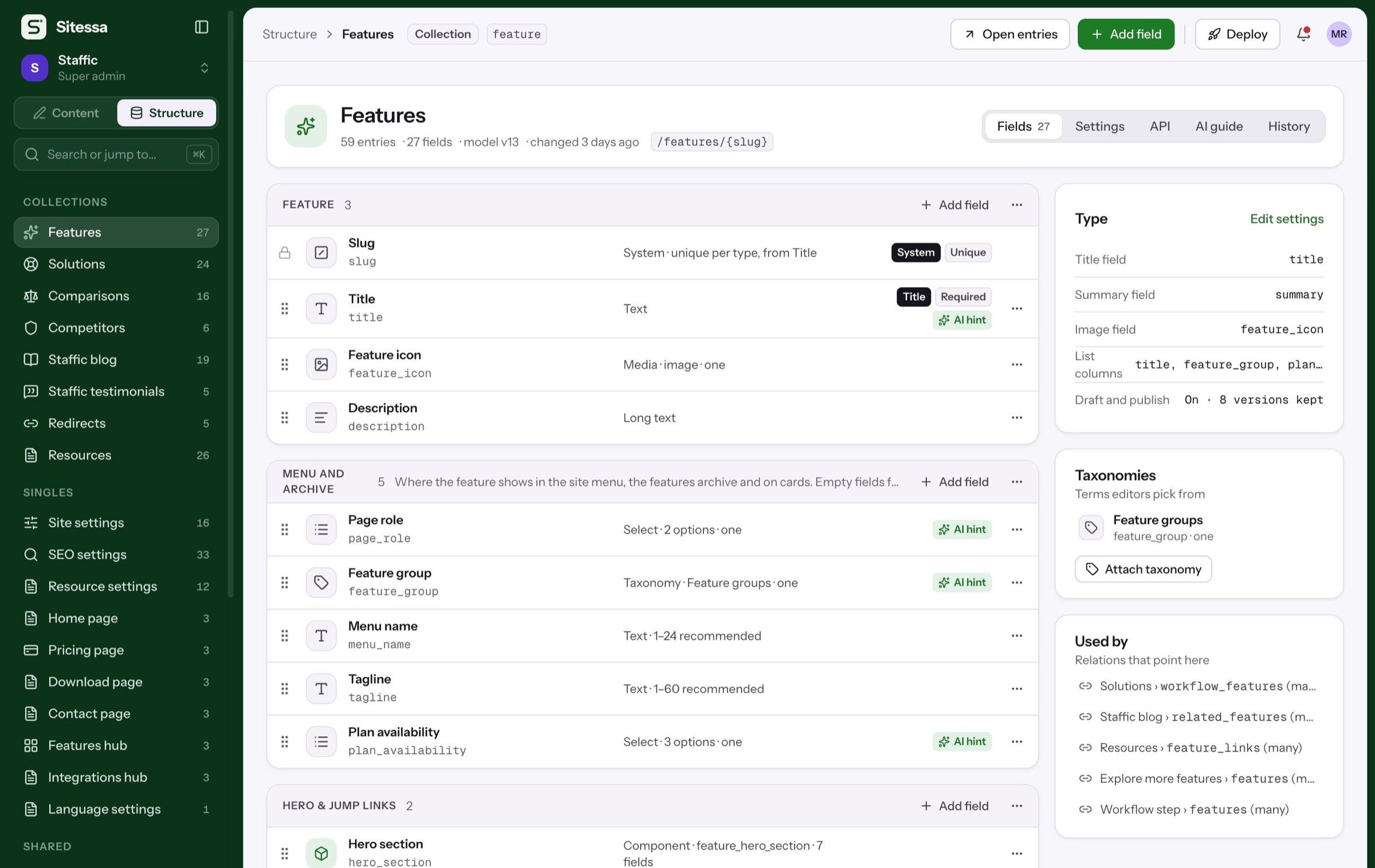
Where to start
Start from the Shopify theme template.
Or a blank site, or the structure of the theme site you already have.
Theme presets, docs and a changelog for a Shopify theme.
Members and roles
Writers write. You publish.
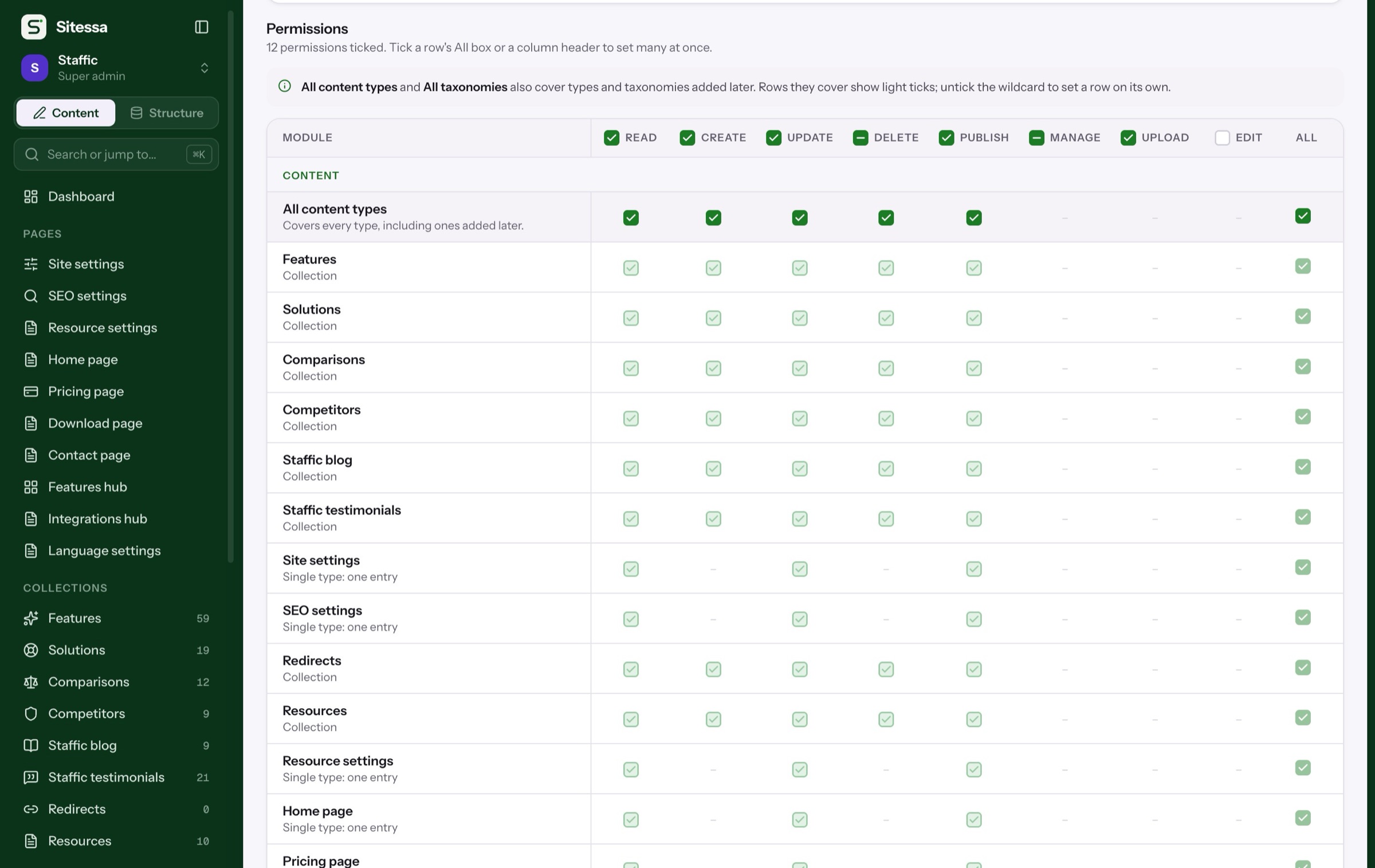
Start with Admin, Editor and Viewer, or make your own.
Simplified. The real matrix sets read, create, update, delete and publish for every content type, plus taxonomies, media, structure, settings and members.
AI house rules
Your theme’s voice, kept.
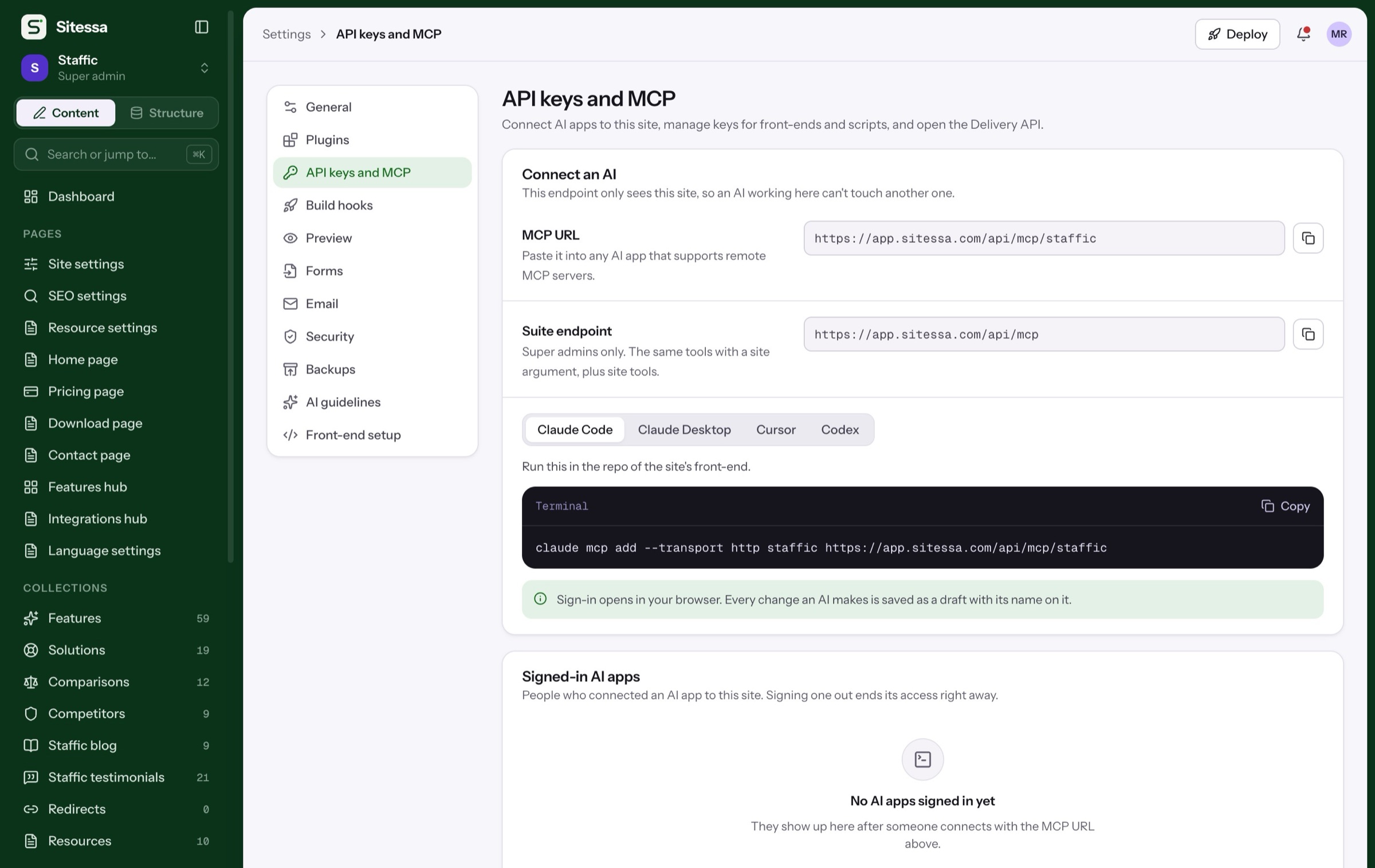
Every site has its own house rules and banned words. They are the first thing an AI app reads.
Example rules. Each site writes its own in Settings › AI guidelines.
In use
Our own product sites run on it.
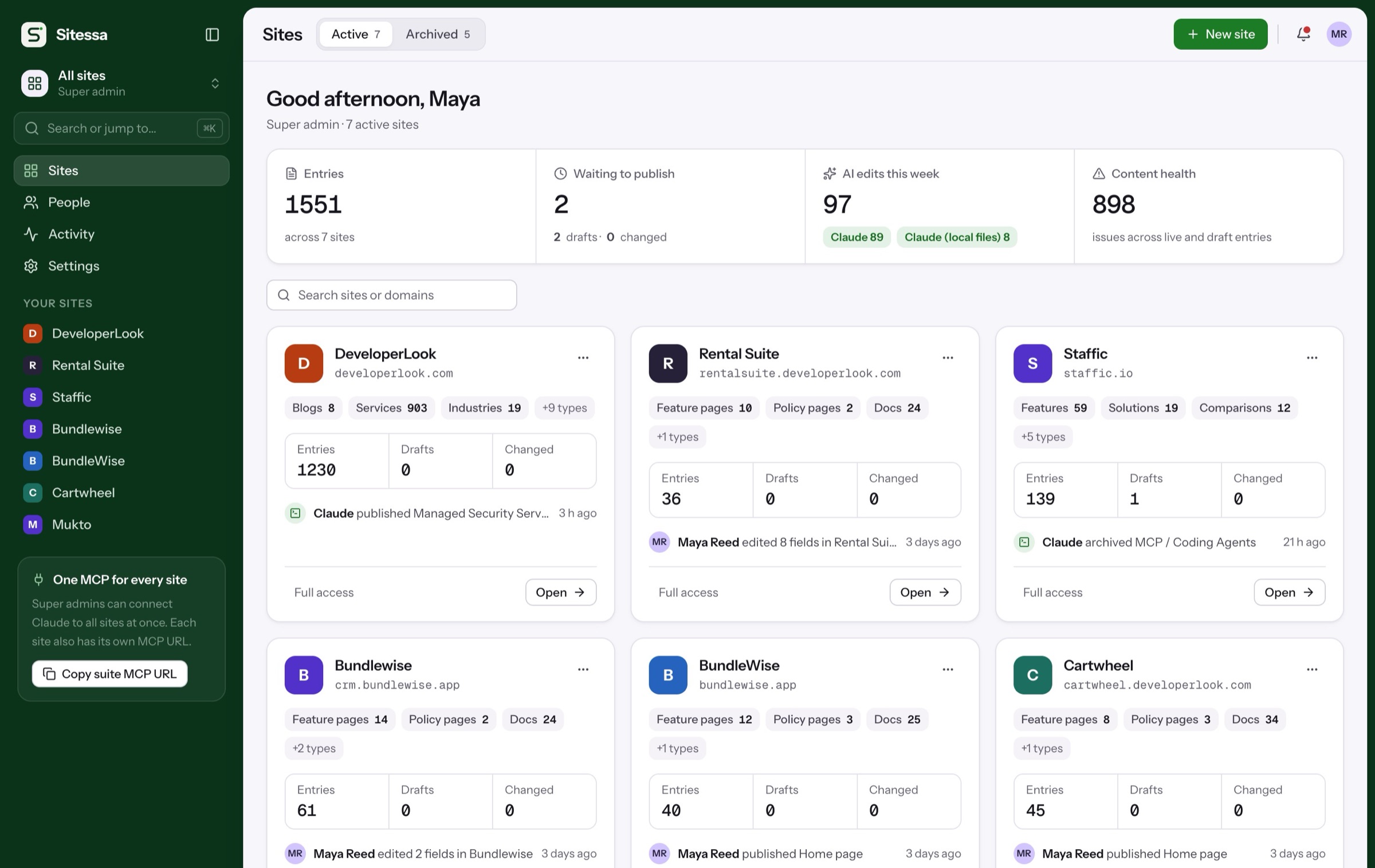
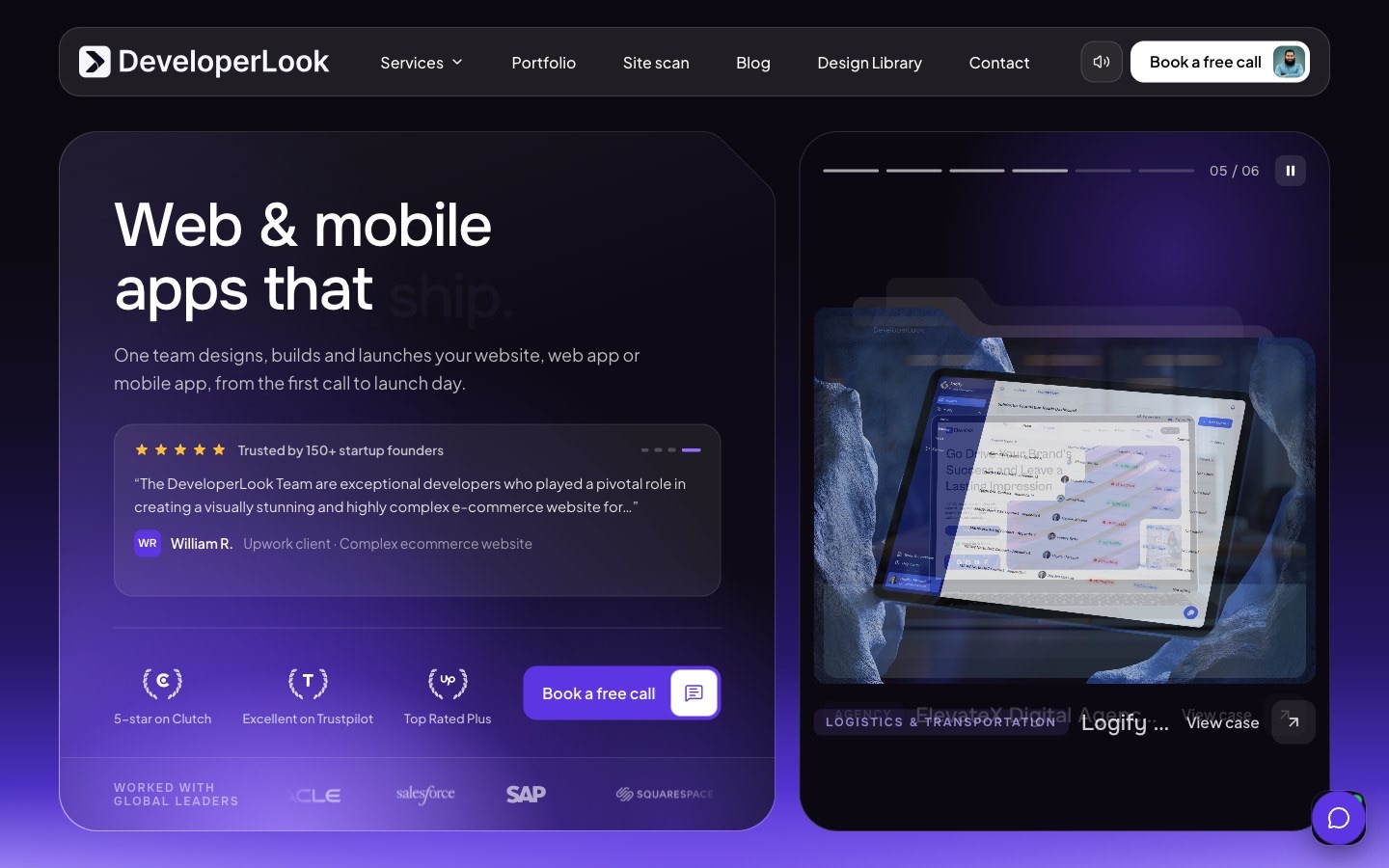
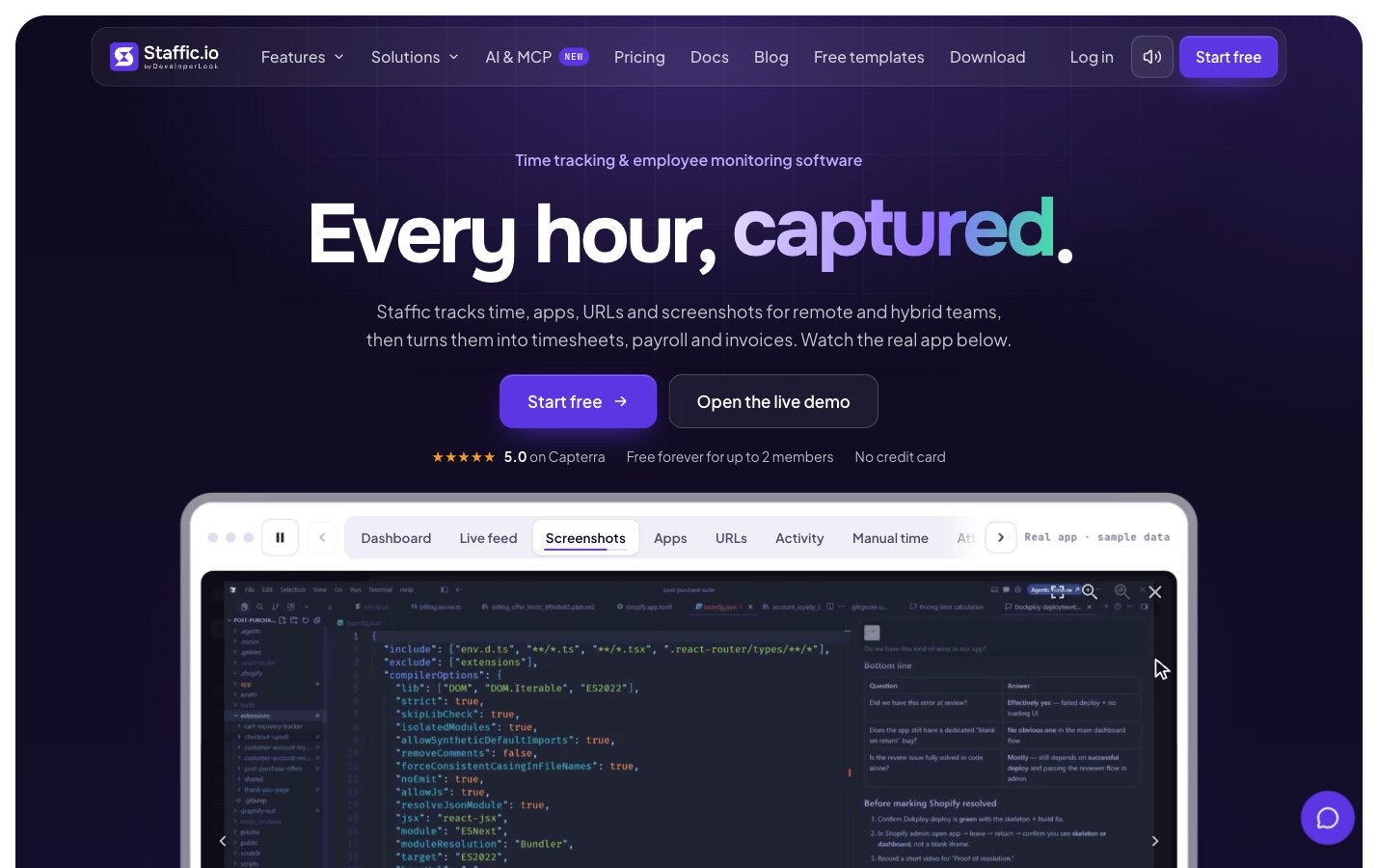
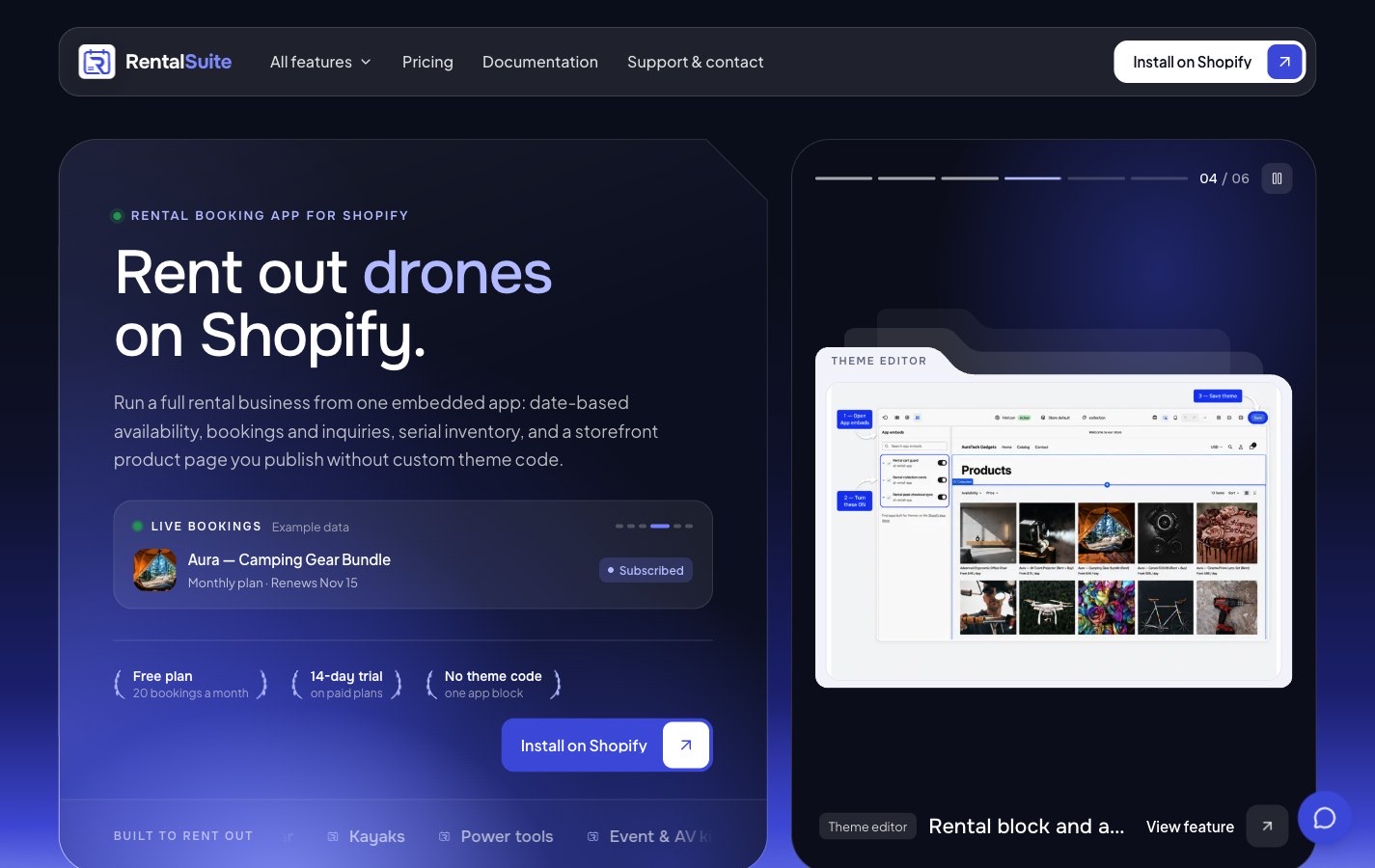
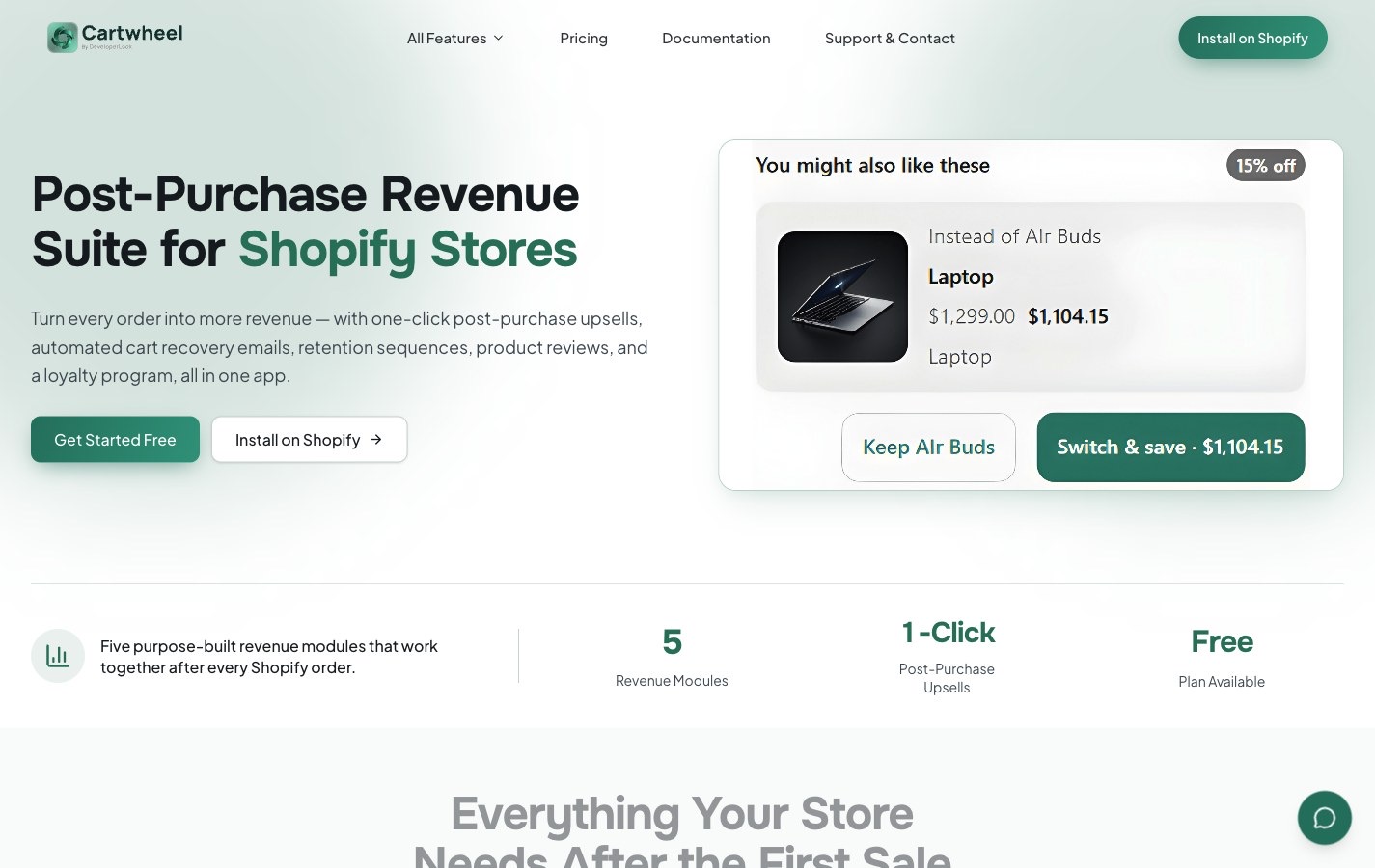
DeveloperLook’s product sites, with their docs and release notes, live in one Sitessa suite. Real numbers.
Plans
Tell us about your themes.
Business use is on the Business plan. Tell us how many people write for your themes.
- Every feature on every site
- Roles per content type
- Versions on every entry
What is in the Shopify theme template?
Seven content types: site settings, navigation, home page, theme presets, doc pages, a changelog and FAQs.
Can I run a demo site on it?
Yes. Your demo site can fetch its pages from the Delivery API, the same way a marketing site does.
Can one login cover all my themes?
Yes. Each theme gets its own site, and you switch between them from one sidebar.
Can AI write the changelog?
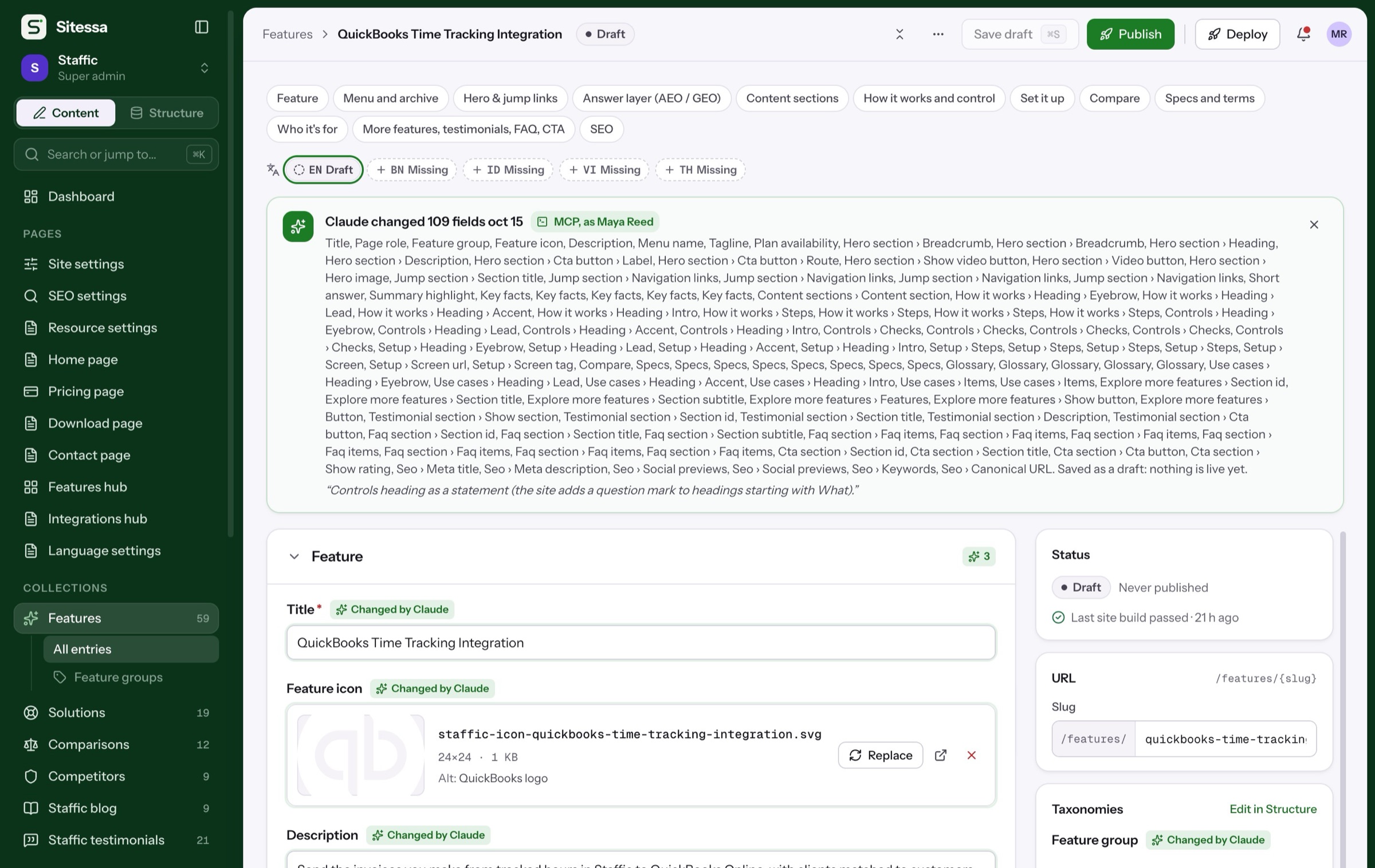
It can draft it over MCP. Drafts wait for a person to review and publish.
Can I undo a bad edit?
Yes. Every entry keeps its last eight versions, and you can compare and restore any of them.