A site for every client. One login for you.
Spin up each client site from a template, hand it over with a role, and let your AI draft the small edits. Free for your own sites.
Sound familiar
Four freelancer headaches.
Pick one to jump to the step that fixes it.
A different CMS for every client
Logins, plugins and updates multiply with each site.See step 102New sites take days to set up
Every launch starts from an empty model.See step 203Clients can break things
Handing over the keys means handing over everything.See step 404Small edits eat your week
Tiny requests arrive faster than real work.See step 5How it works
Five steps, on the real app.
From the first client site to a hand-off. The ring marks what to click.
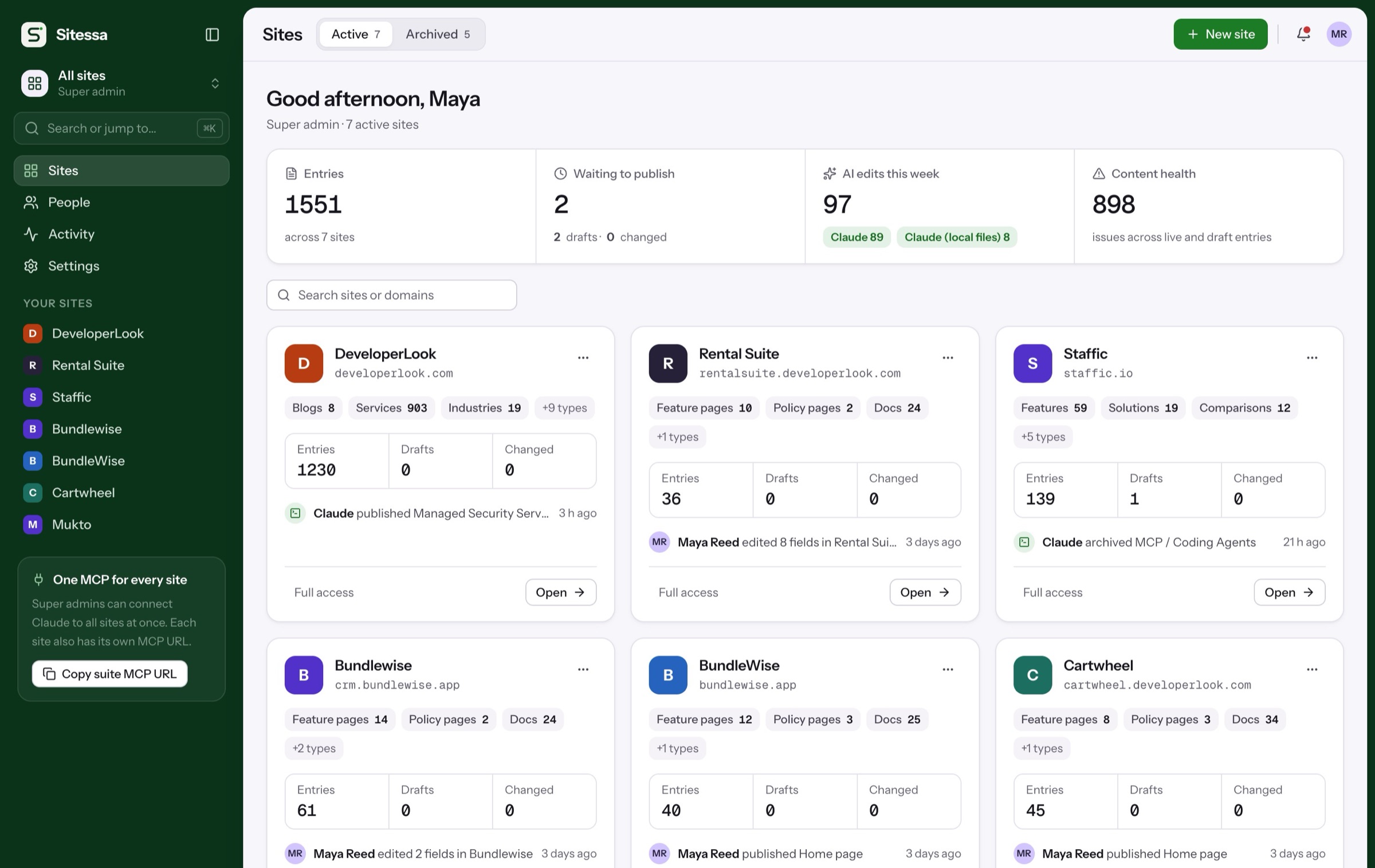
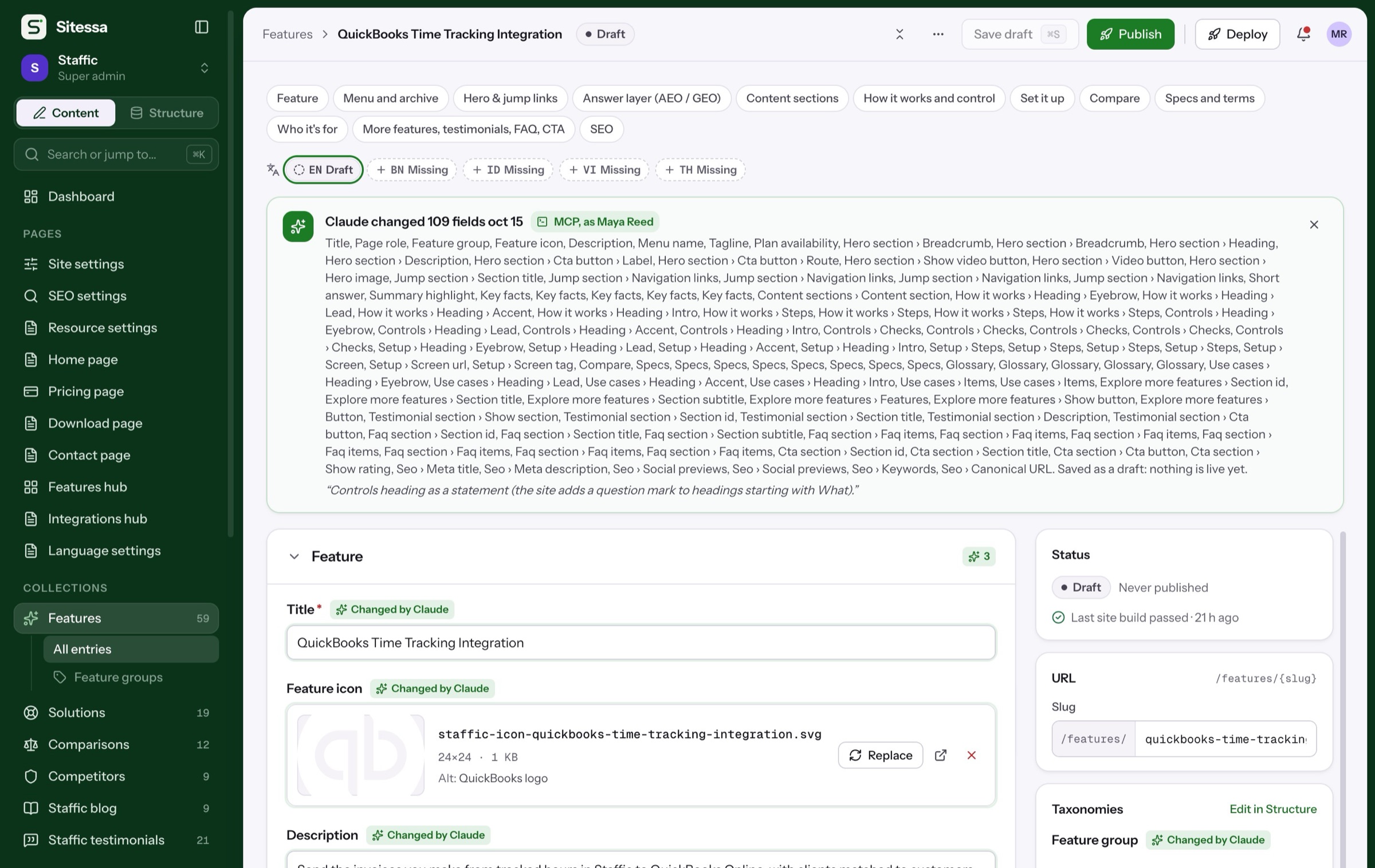
All your clients in one place.
Each client gets a site with its own content model, media, people and MCP endpoint. Switch between them from one sidebar.
Fixes 01: a CMS per client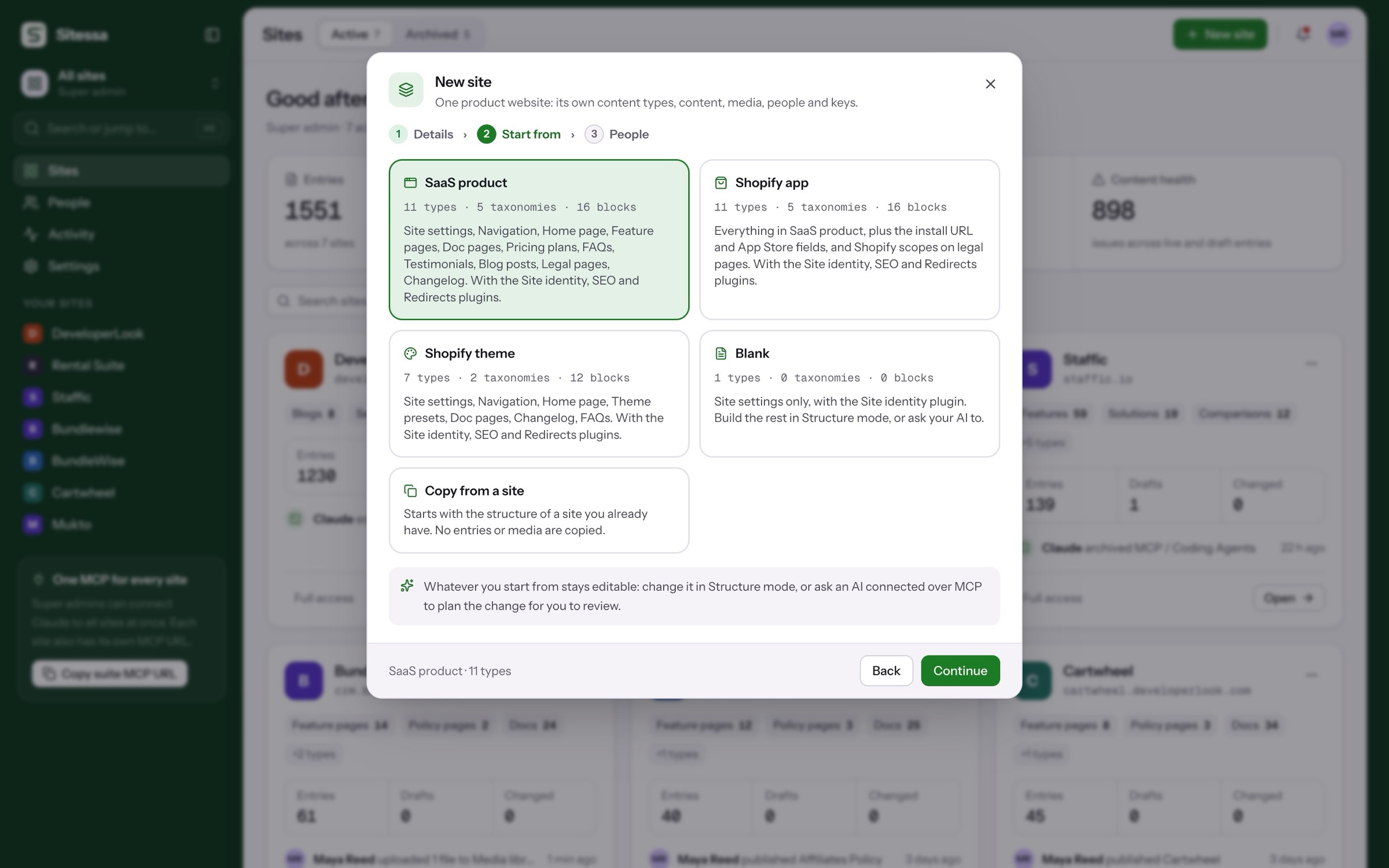
New client sites
Start from a template.
Four templates, or the structure of a site you already built. Everything stays editable afterwards.
A full product site: features, docs, pricing, blog and changelog.
Members and roles
Clients see only their site.
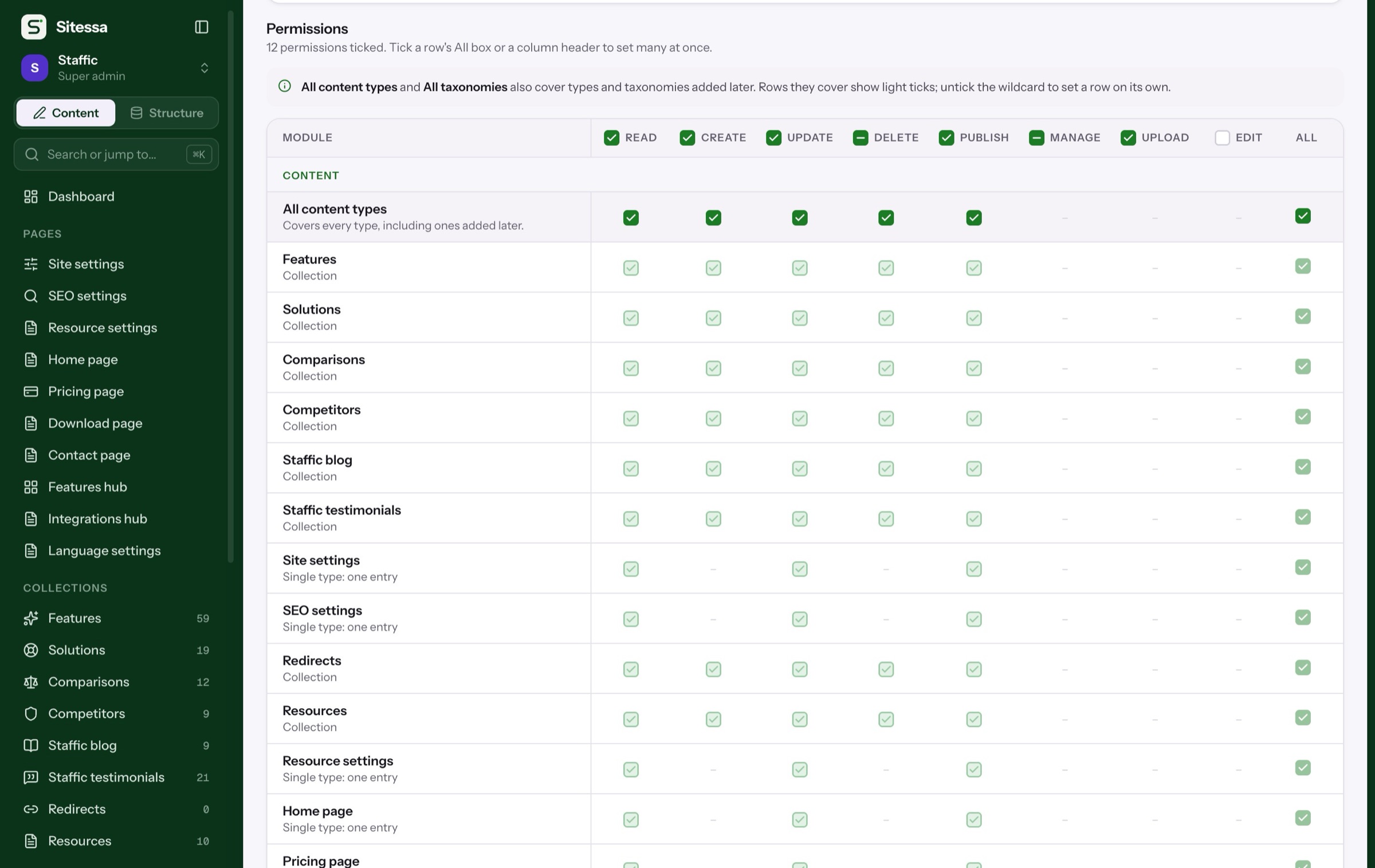
People join one site with one role. Start with Admin, Editor and Viewer, or make your own.
Simplified. The real matrix sets read, create, update, delete and publish for every content type, plus taxonomies, media, structure, settings and members.
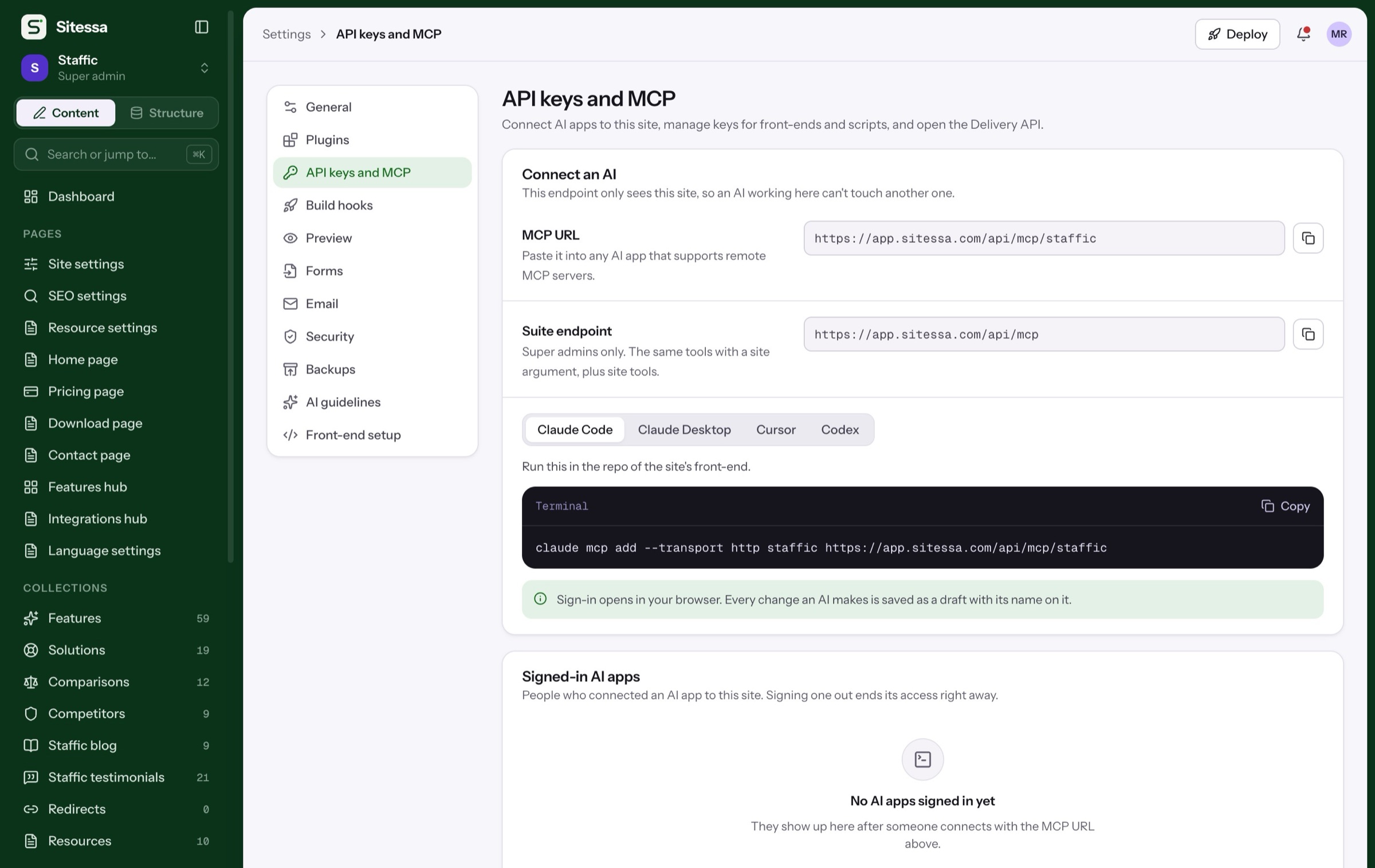
AI per client
Each client’s voice, kept.
Every site has its own house rules and banned words, and its own MCP URL. An AI working for one client can’t touch another.
Example rules. Each site writes its own in Settings › AI guidelines.
In use
We run our own sites on it.
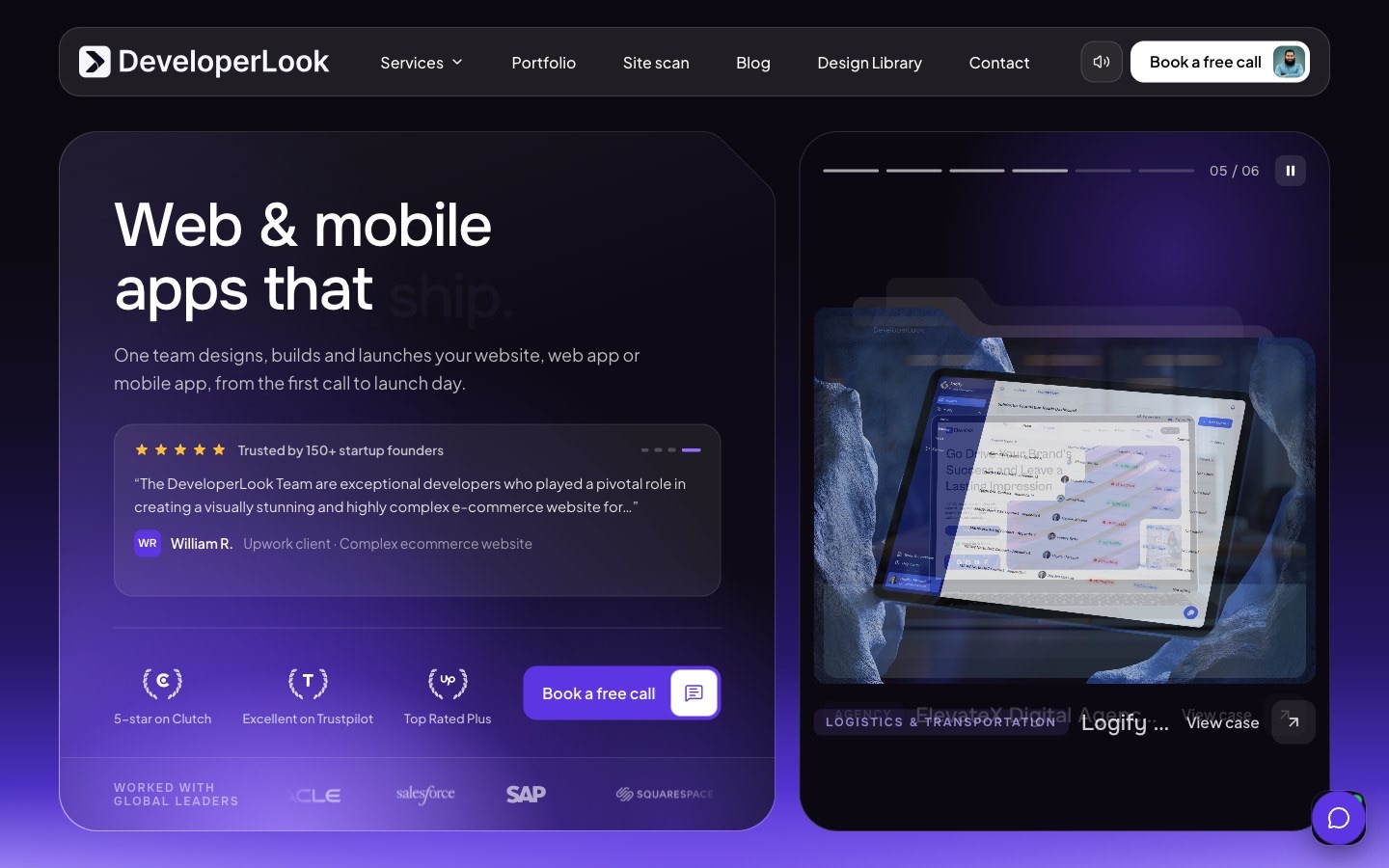
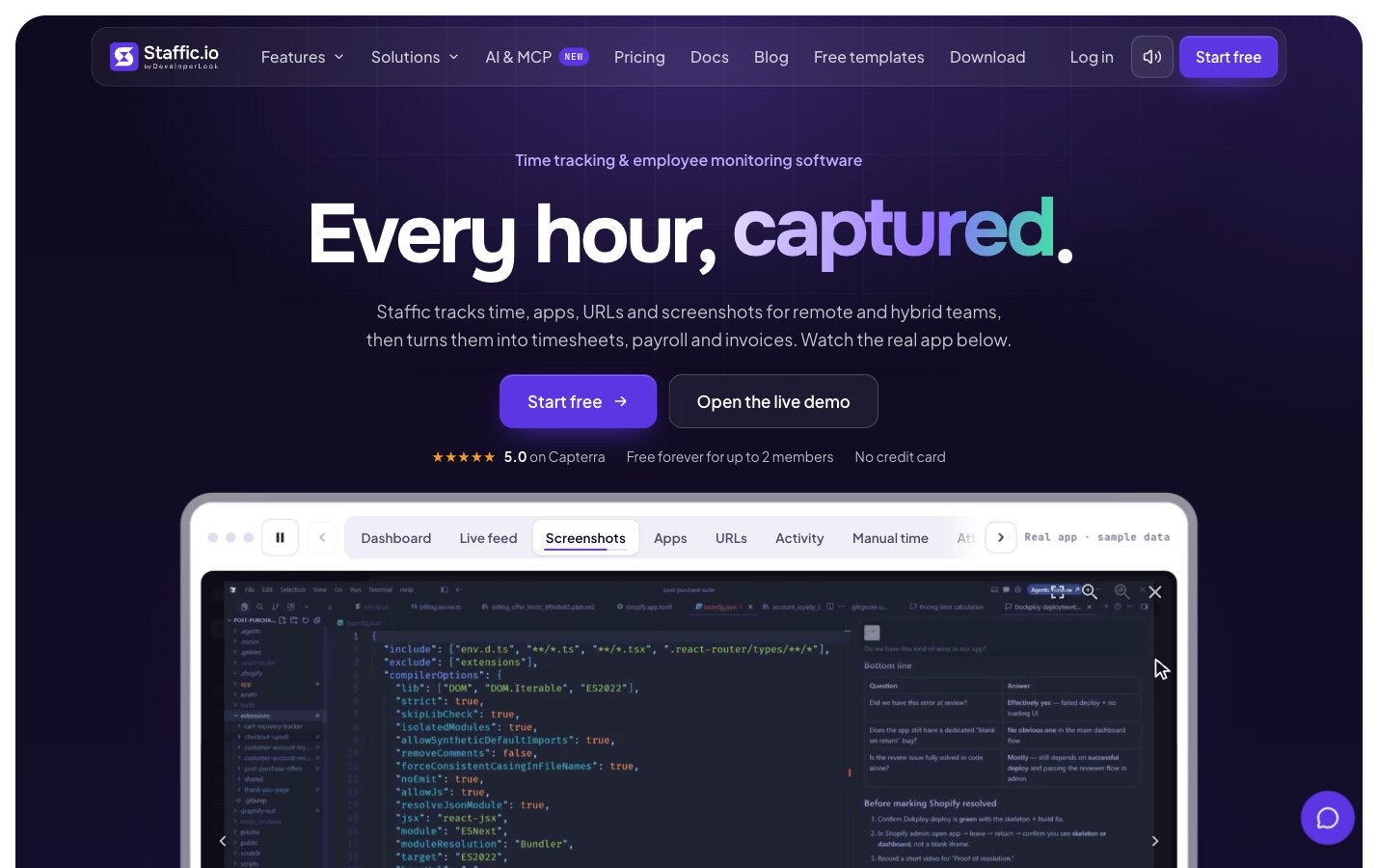
DeveloperLook runs its own site and its product sites from one Sitessa suite. Real numbers from that suite.
Plans
Tell us about your clients.
Client work counts as business use, so it is on the Business plan. Tell us how many sites you run.
- Every feature, on every client site
- Members and roles per site
- Templates for new sites
Is it free?
Individuals use it free for their own work. Client sites for a business count as business use: talk to us.
Can clients log in to their own site only?
Yes. Invite them to one site with a role. They see that site and nothing else.
How do I set up a new client site?
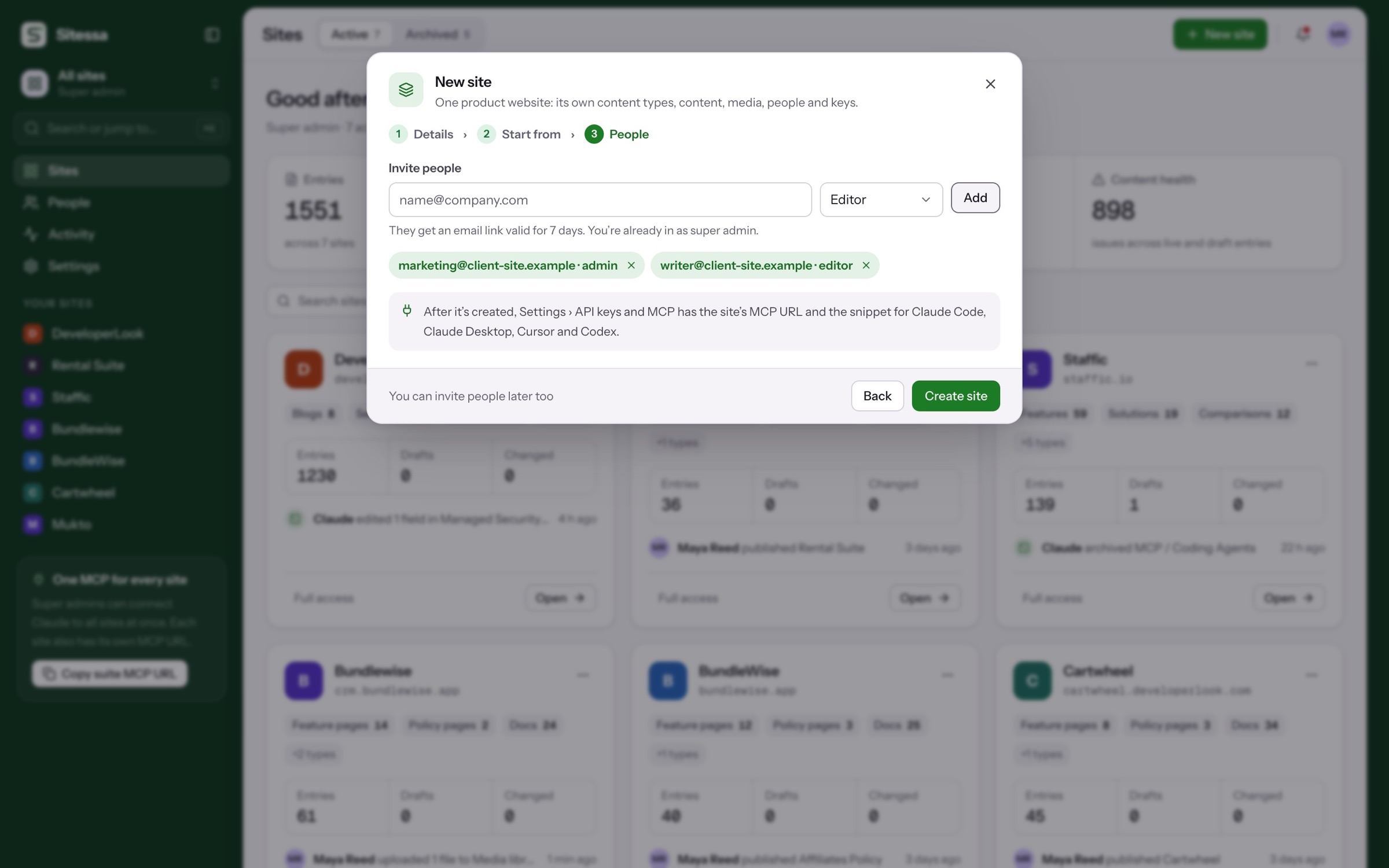
Pick a template or copy the structure of a site you built, then invite the client’s people in the same dialog.
Can each client have their own AI rules?
Yes. Each site has its own AI guidelines, banned words and MCP URL.
What if a client wants their content?
Each site has nightly encrypted backups and an export you can download, and the model is available as JSON and TypeScript.