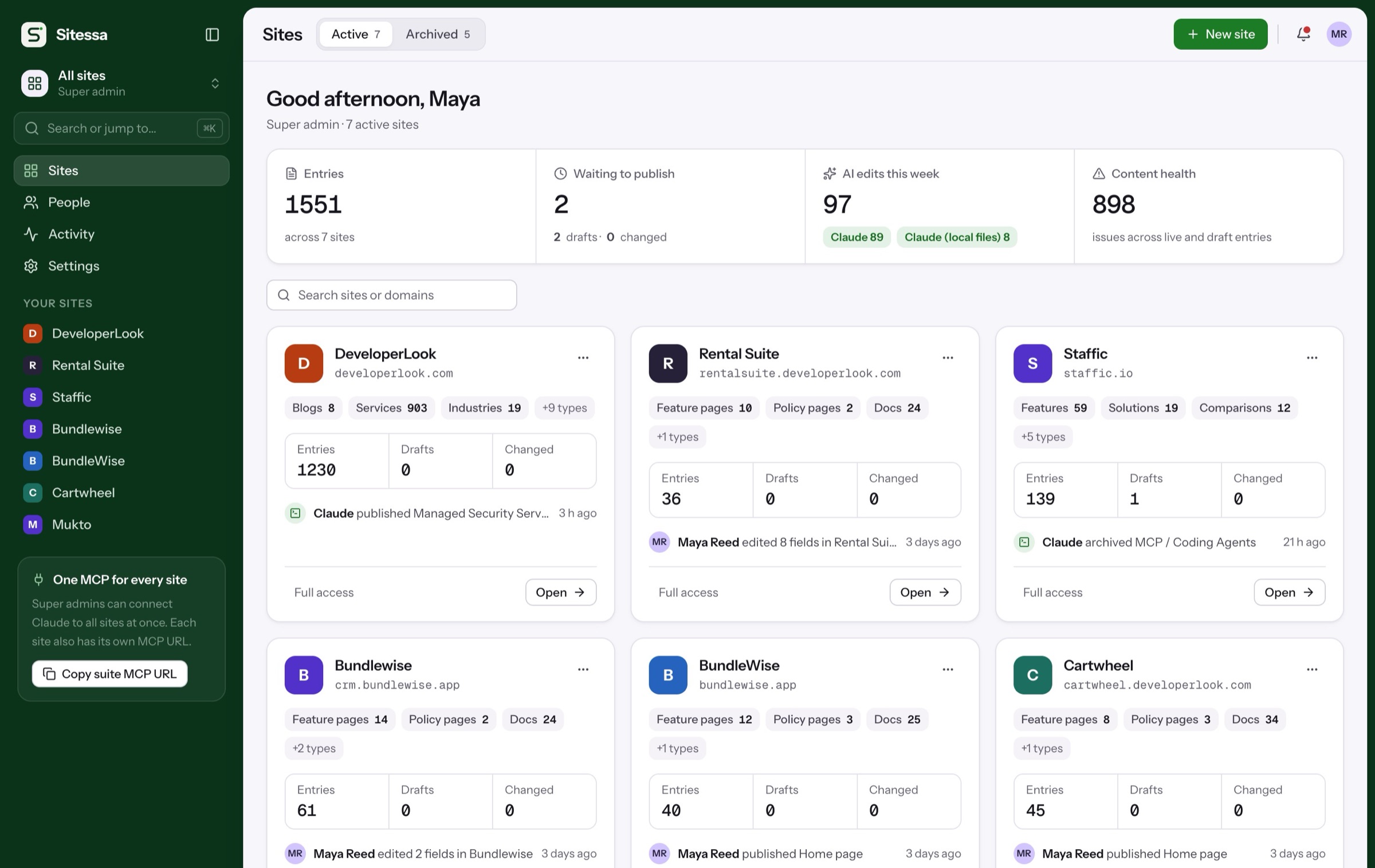
Search-ready. On every page.
The SEO plugin adds the same SEO fields to every page type, site-wide defaults, sitemap data and redirects. The Delivery API returns finished titles, tags and structured data.
Walkthrough
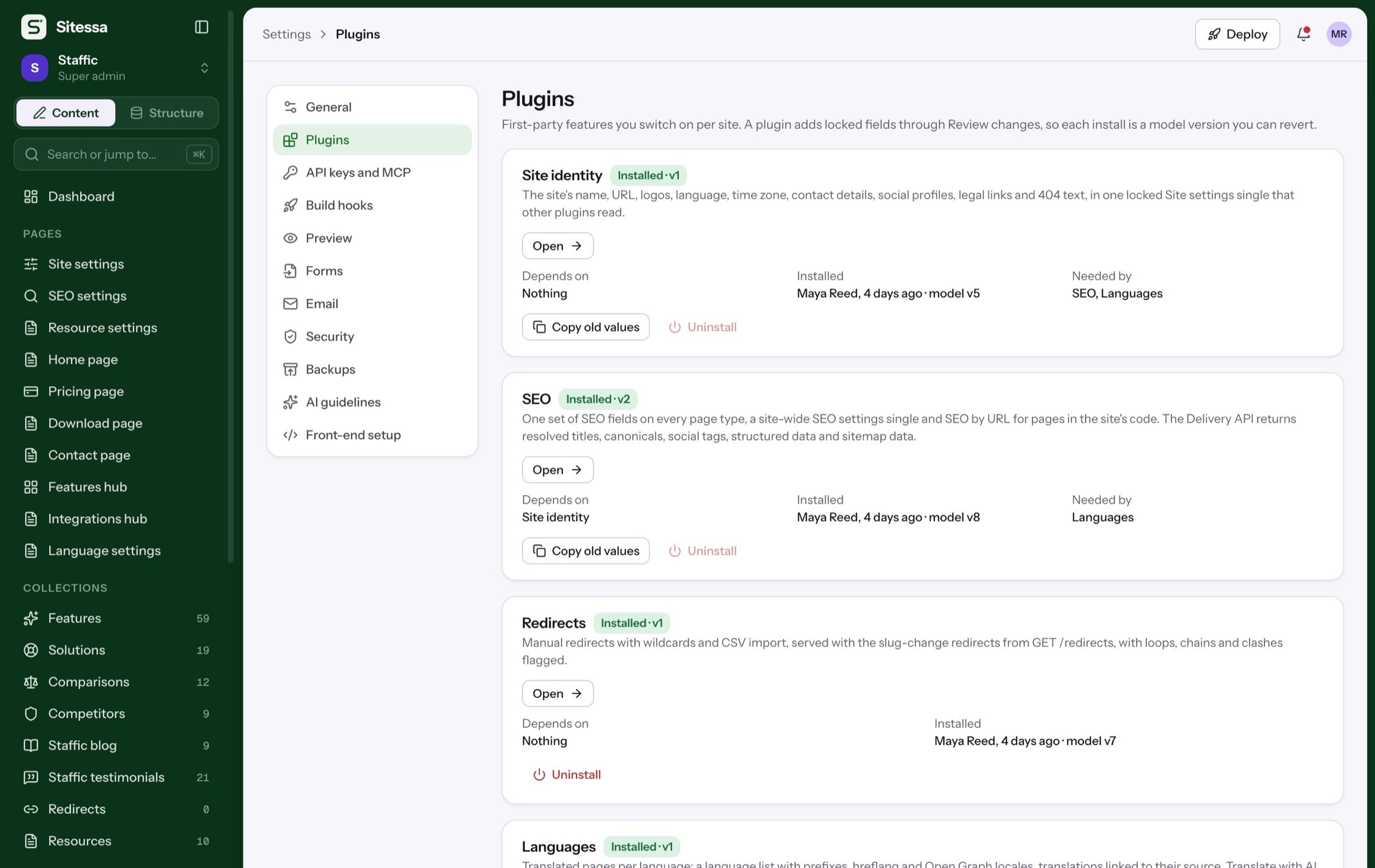
SEO in four steps.
From switching on the plugin to a page that's ready to rank. Pick a step, or let it play.
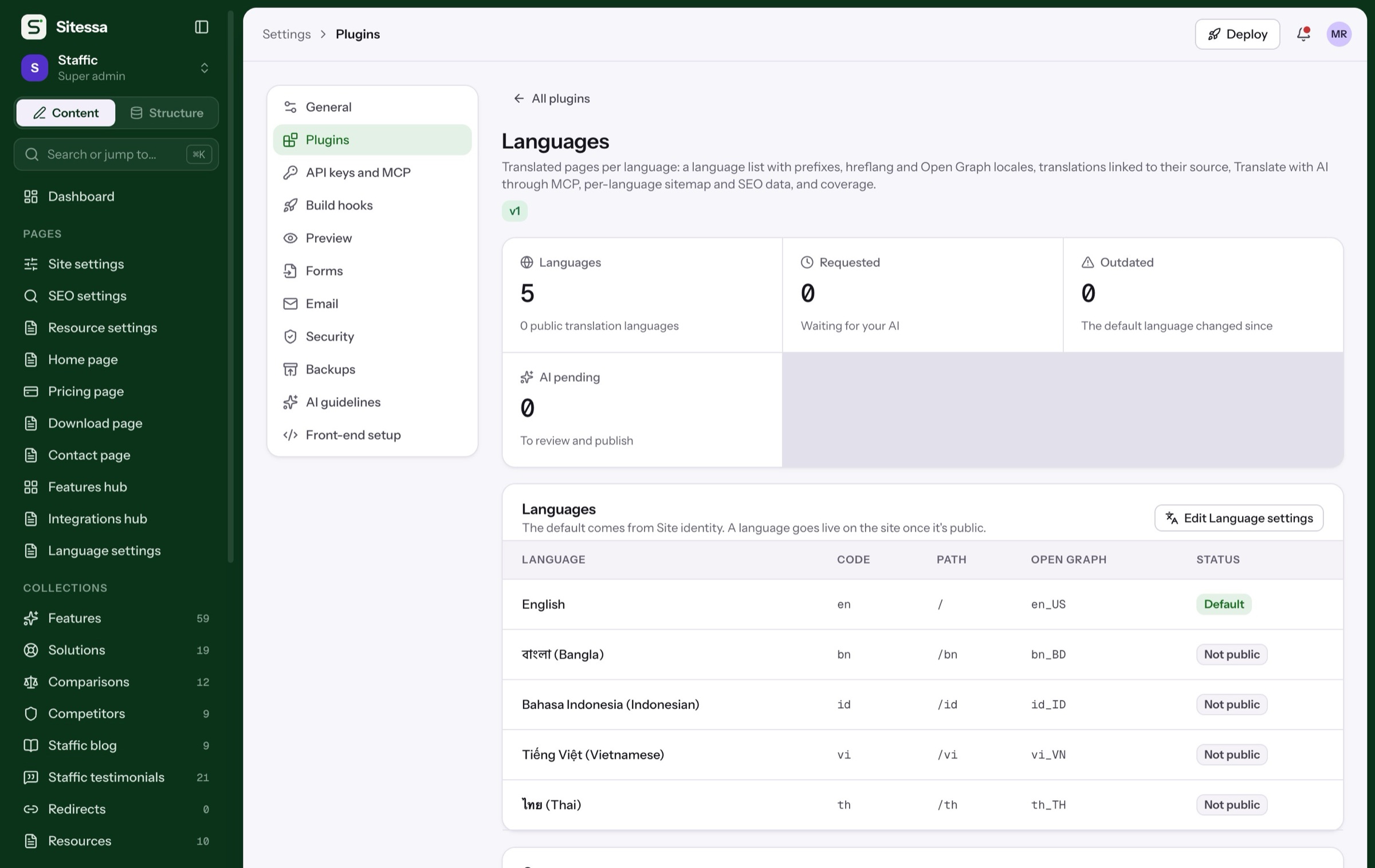
Install SEO from Settings › Plugins. It lands as a model change you review, and you can undo it.
- Site identity, SEO, Redirects, Languages
- Dependencies install first
- Each install is a model version
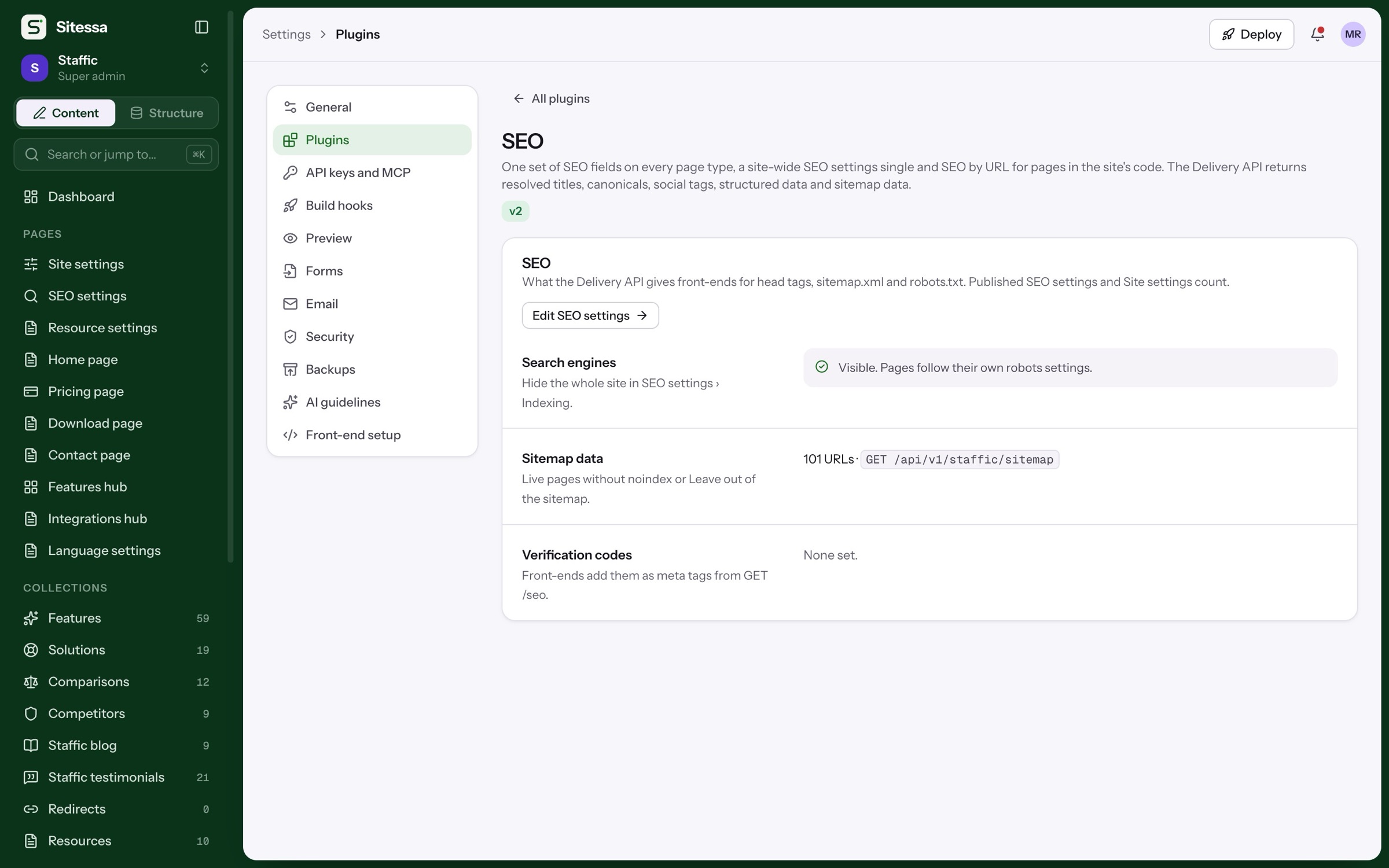
Title templates, default description and social image, verification codes and sitemap data for the whole site.
- Title template per type
- Verification codes
- Hide the whole site in one switch
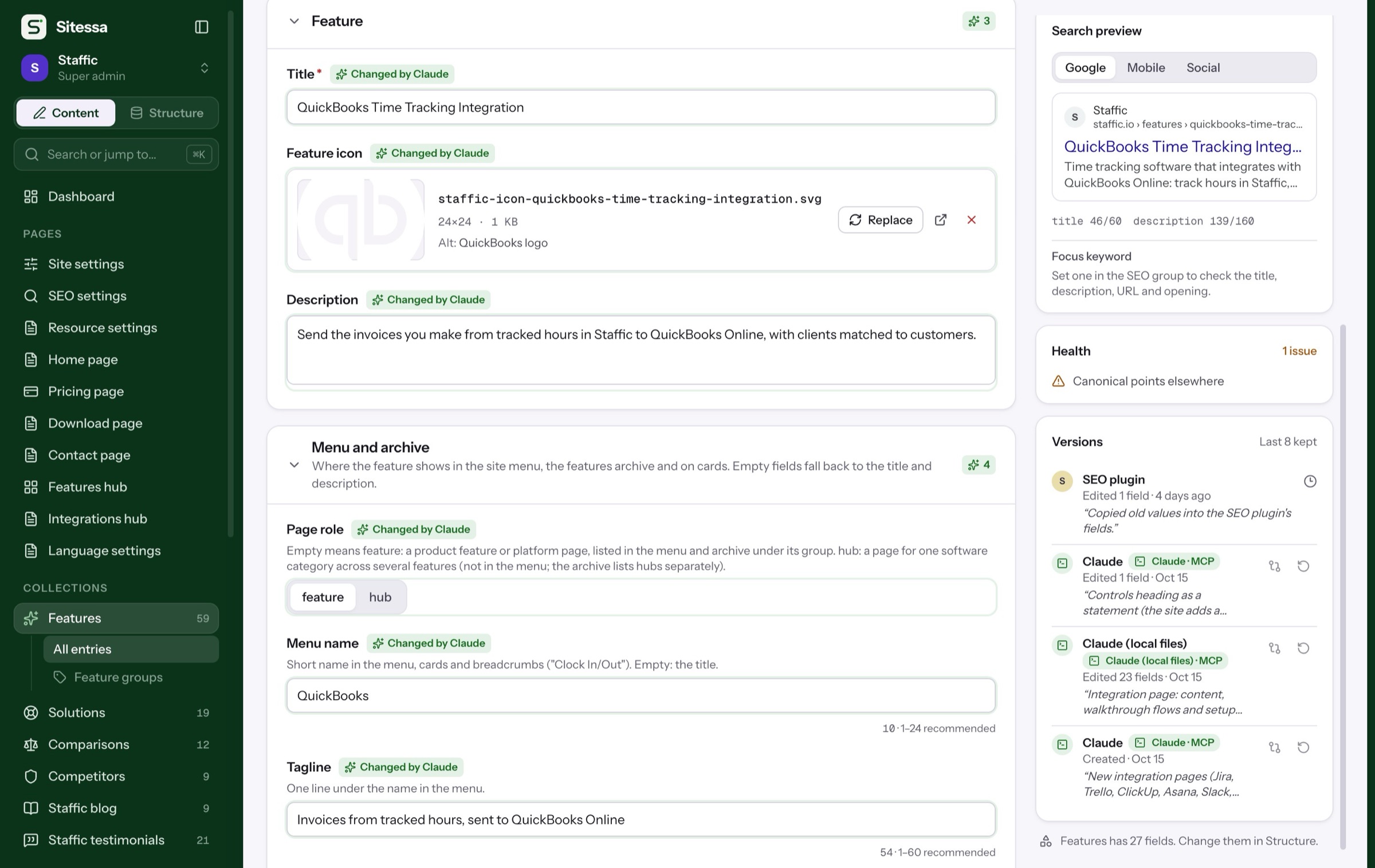
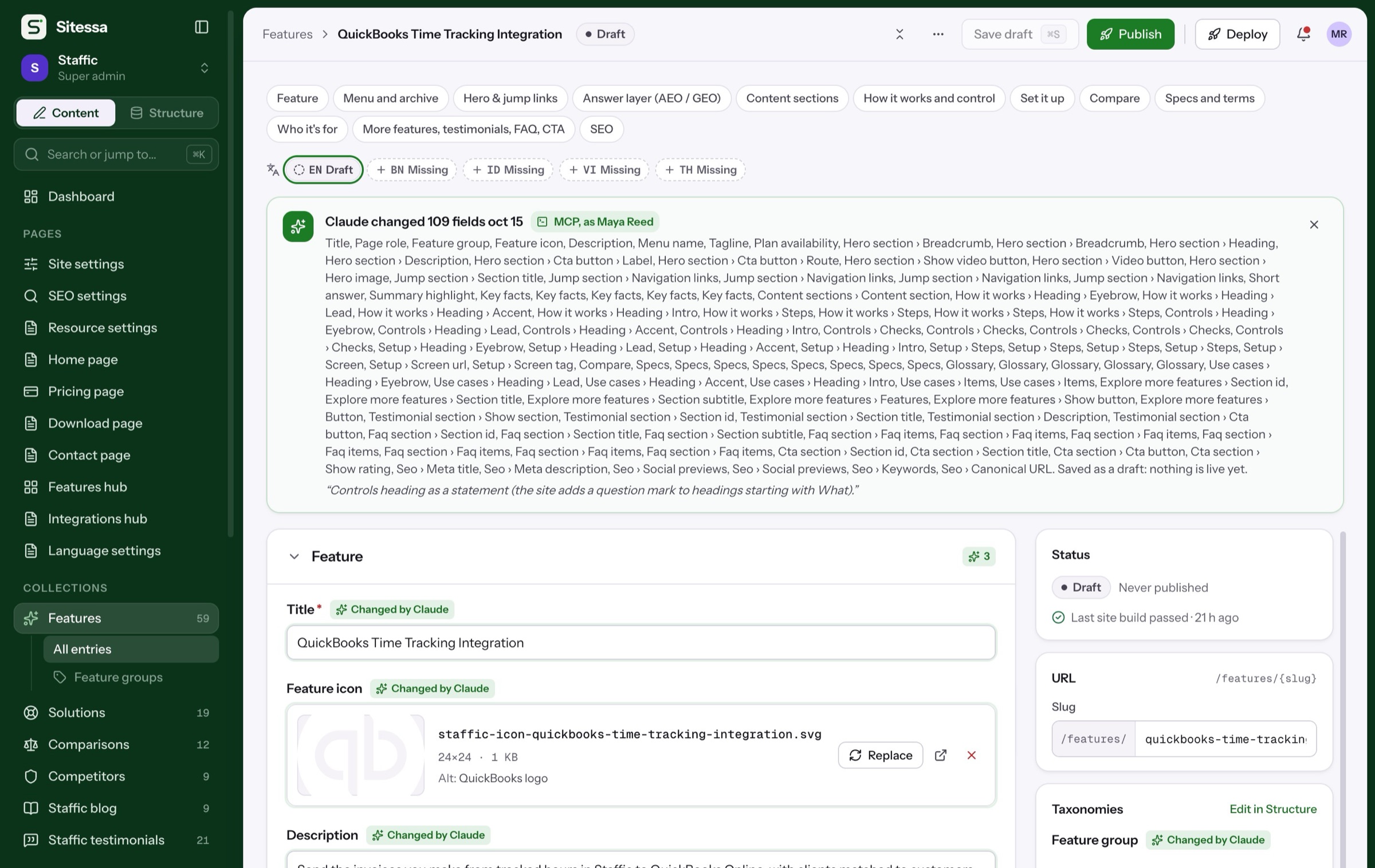
The rail shows Google, mobile and social previews of the draft, and flags what's missing.
- Meta title and description
- Social image and canonical
- Focus keyword checks
Duplicate titles, broken links and noindex pages are counted on the dashboard and filtered in every list.
Details
What the plugin adds.
- 01Fields
SEO on every page type
Meta title and description, social tags, canonical, robots, sitemap opt-out, breadcrumb label and schema type.
- 02Fields
SEO by URL
SEO for pages that live in your code, with no entry in the CMS.
- 03JSON-LD
Structured data
Organization, WebSite, breadcrumbs, articles, FAQ, software and product JSON-LD, built from your content.
- 04Delivery
Sitemap and robots data
The API lists live pages with last-modified dates and images, for your sitemap.xml and robots.txt.
- 05Plugin
Redirects
Manual redirects with wildcards and CSV import, plus automatic ones when a published slug changes.
- 06AI
Audits over MCP
Your AI app can audit the whole site for duplicates, broken links and keyword gaps, then draft the fixes.
Does Sitessa host my sitemap.xml?
Your front-end serves it. The Delivery API gives it the data: every live page, its last change and its images.
Does it redirect visitors itself?
No. The API returns the redirect list, and your host applies it.
Can I audit the whole site?
Yes, through your AI app over MCP. In the CMS, every entry shows its health and each list filters by issue.
Can I turn the plugin off?
Yes. Uninstalling unlocks its fields and keeps your content and settings.